Using the Platform
Use this section for daily Borealis work: sites, inventory, approvals, filters, automation, alerts, remote operations, access management, and Engine administration.
Fleet
- Sites - create site containers, copy install commands, and start onboarding.
- Site Assignments - control which sites non-admin operators can see.
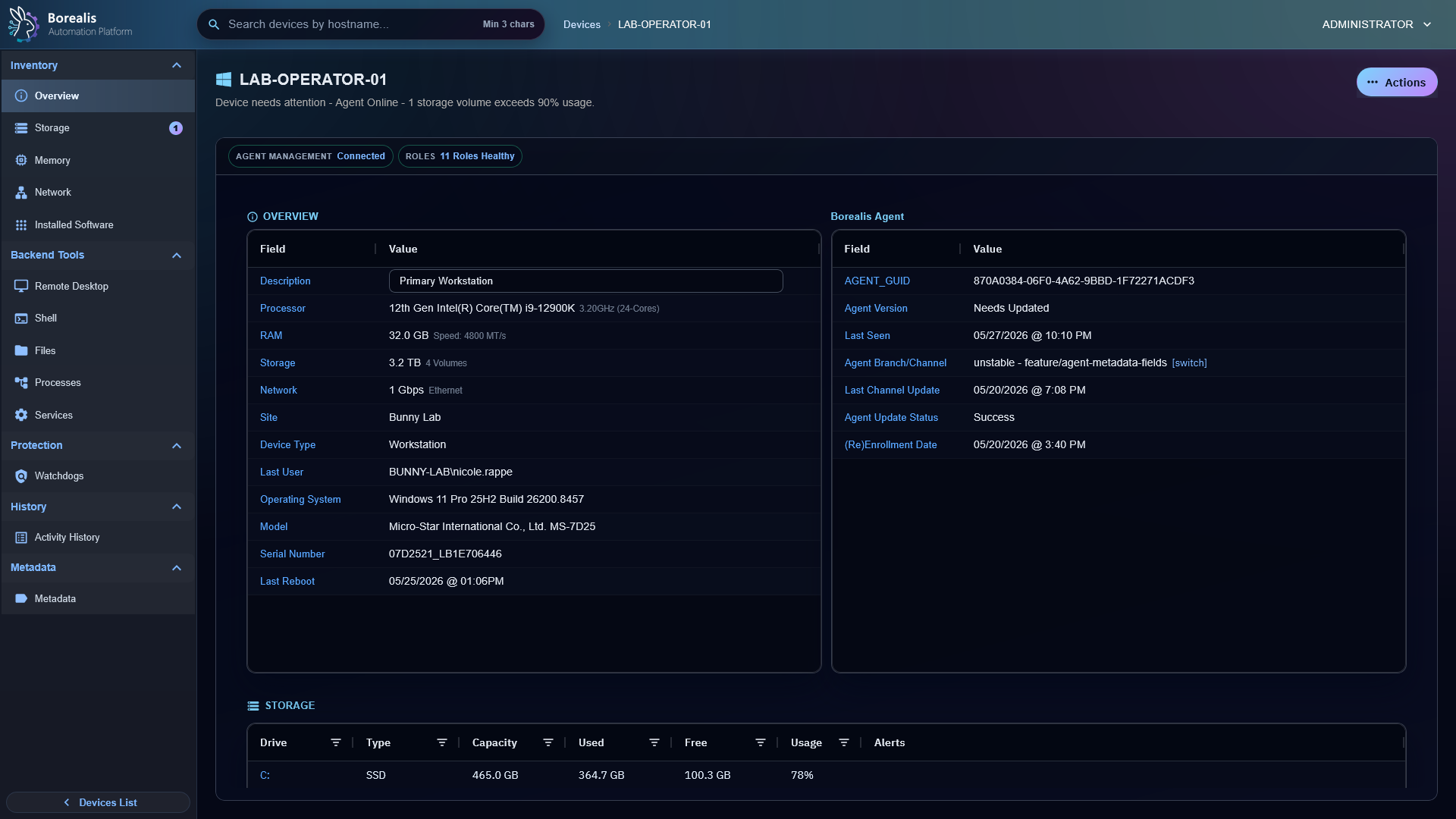
- Device Auditing - read inventory, status, activity, and Agent health.
- Device Approvals - approve or reject newly enrolled agents.
- Device Filters - build reusable dynamic target sets.
- Metadata Fields - label and fill custom device metadata.
Operations
- Remote Desktop - launch shared browser VNC sessions.
- Remote Shell - open WireGuard-backed PowerShell or shell sessions.
- File Management - browse, transfer, edit, rename, move, and delete files.
- Registry Editor - browse and edit Windows registry keys and values.
- Process Management - inspect live processes and end tasks.
- Service Management - inspect services and send start, stop, or restart actions.
- Software Management - audit installed software, refresh inventory, and run supported uninstall actions.
- Patch Management - audit Windows patch inventory, manage Windows patch policies, and track Linux/MacOS patch surfaces as they mature.
Automation
- Assemblies - understand the automation catalog and Aurora source.
- Scripts - author and run PowerShell, Batch, and Bash assemblies.
- Workflows - build visual React Flow automations.
- Ansible Playbooks - run Engine-side playbooks over SSH or WinRM.
- Scheduled Jobs - run automation now or on recurring schedules.
- Watchdogs - turn device telemetry into incidents and remediation.
- Alerts - triage open, suppressed, and resolved watchdog incidents.
Administration
- Credential Management - store remote execution credentials and service tokens.
- Directory Services - configure LDAP, LDAPS, and Active Directory login providers.
- User Management - manage local and cached directory operators.
- Backup and Restore - export or import encrypted Engine configuration backups.
- Server Info - inspect Engine runtime health and service controls.
- Engine Log Access - use CLI commands for K3s pod logs and Borealis file logs.