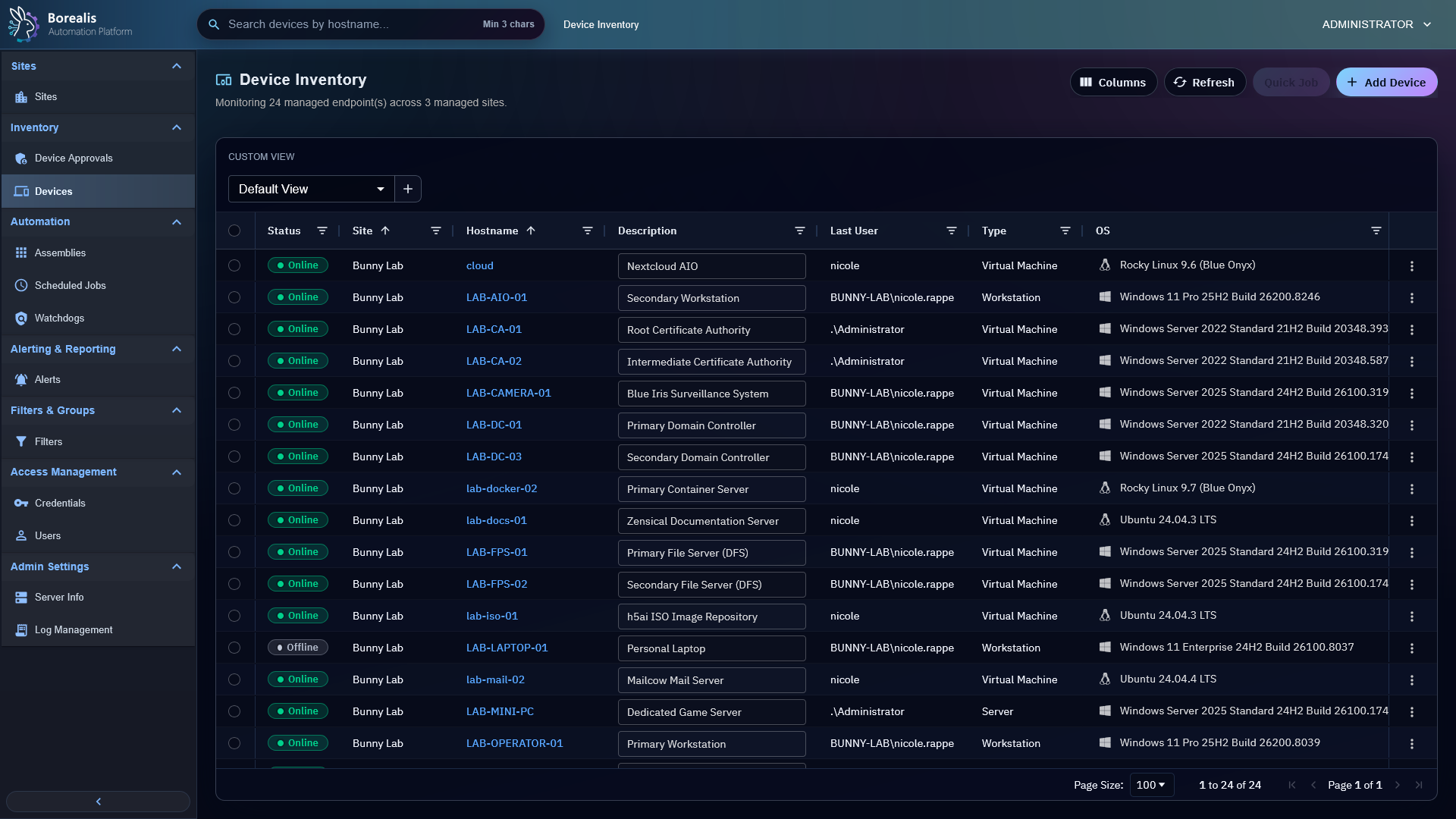
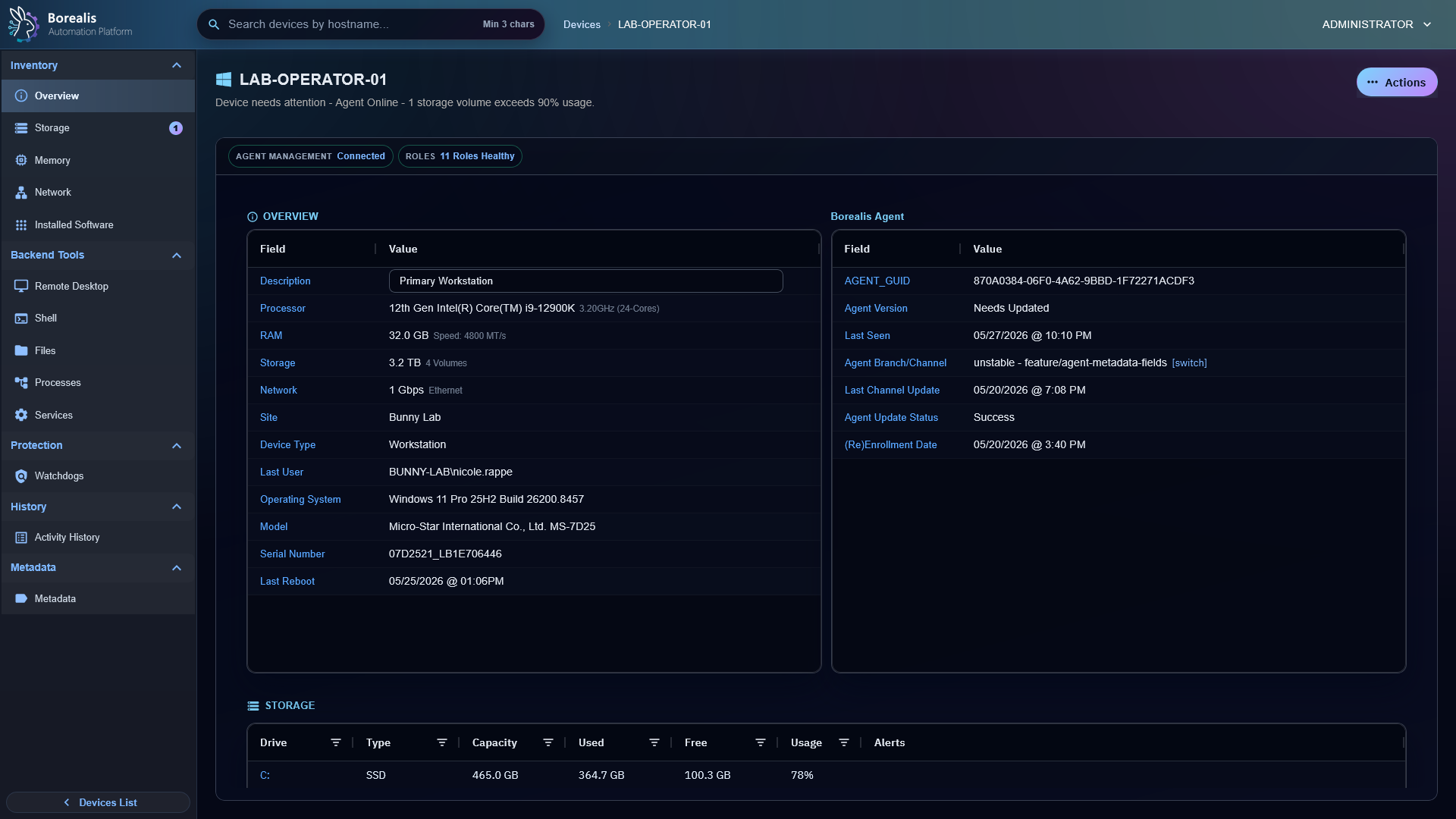
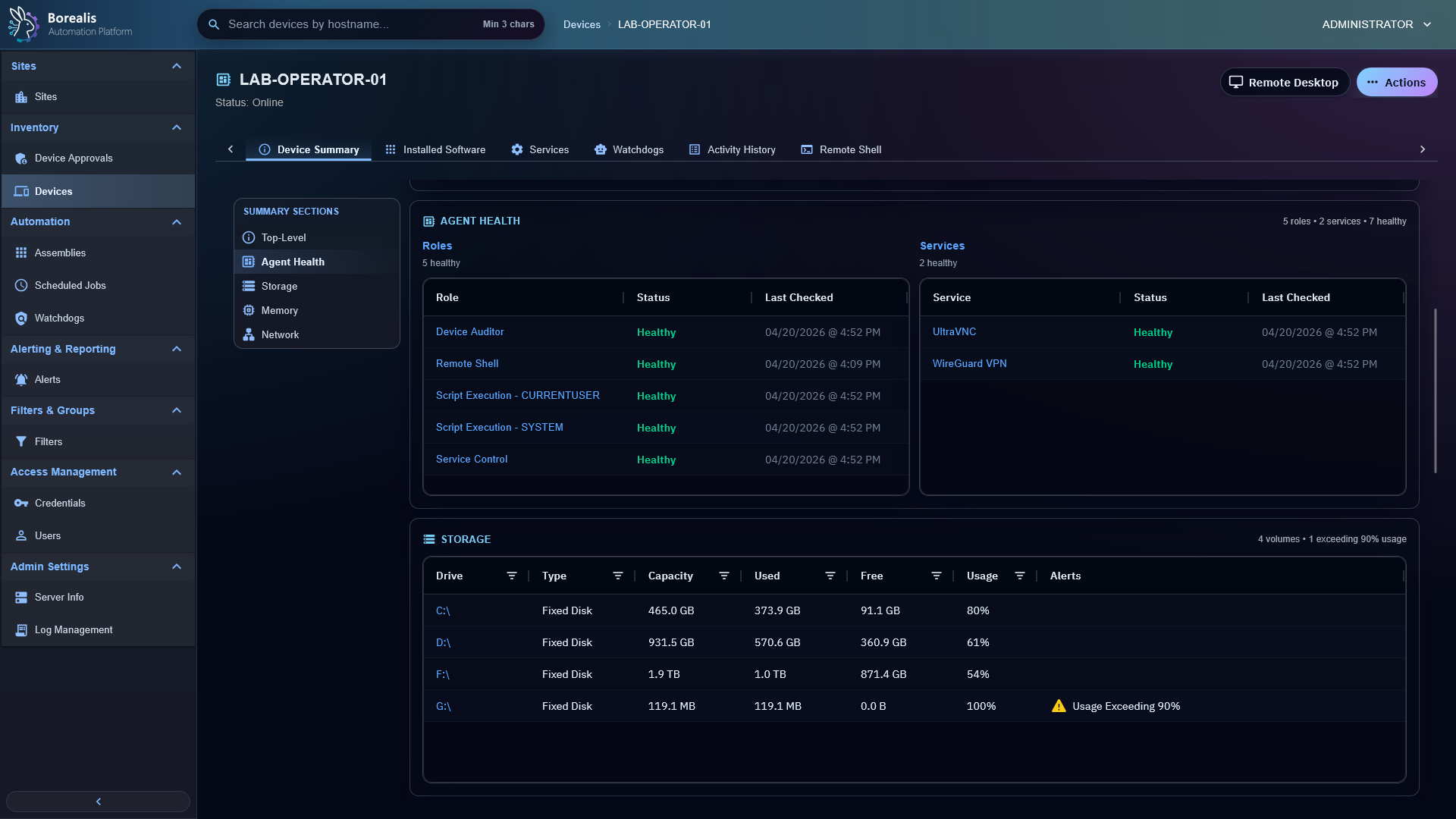
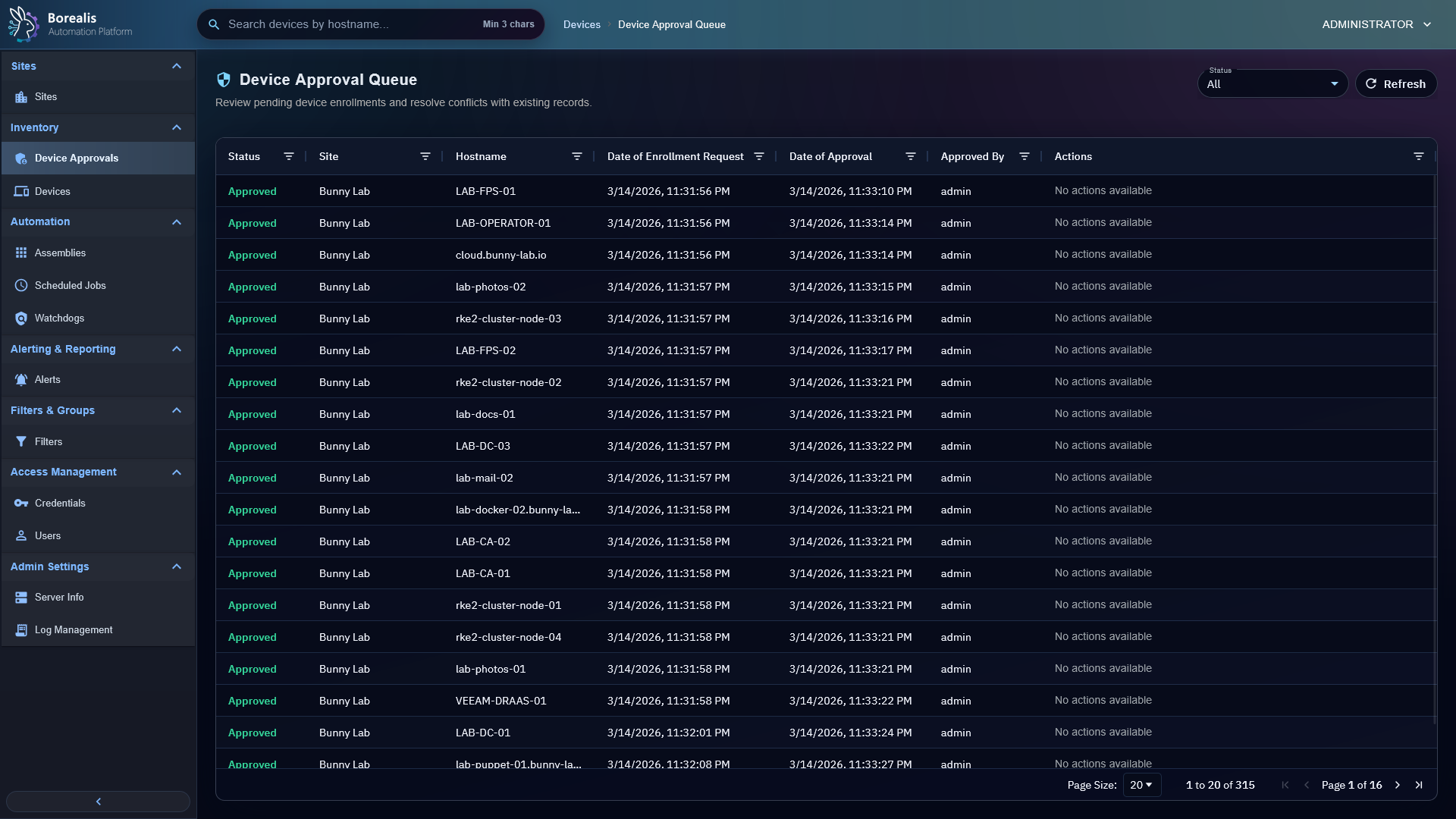
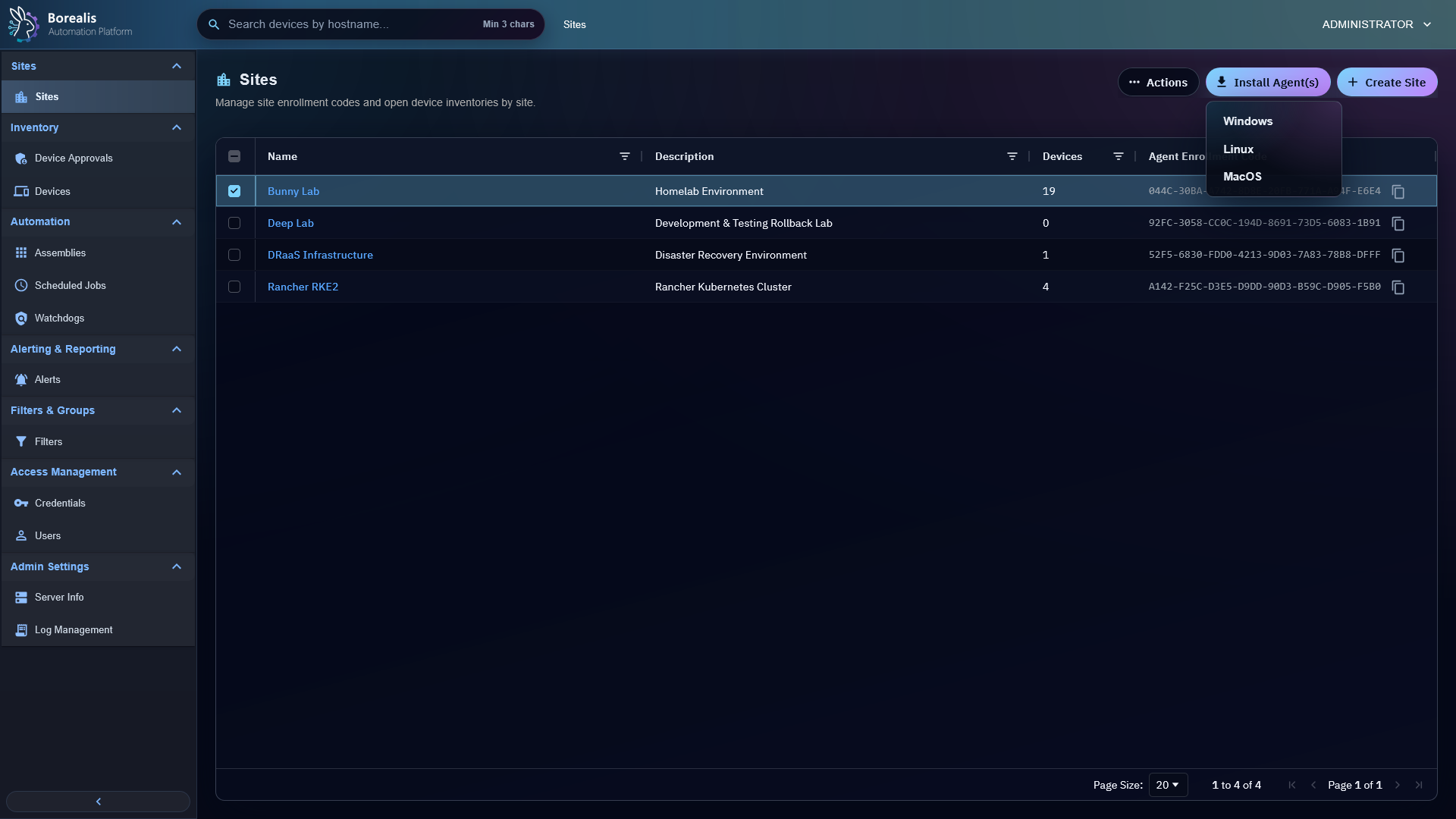
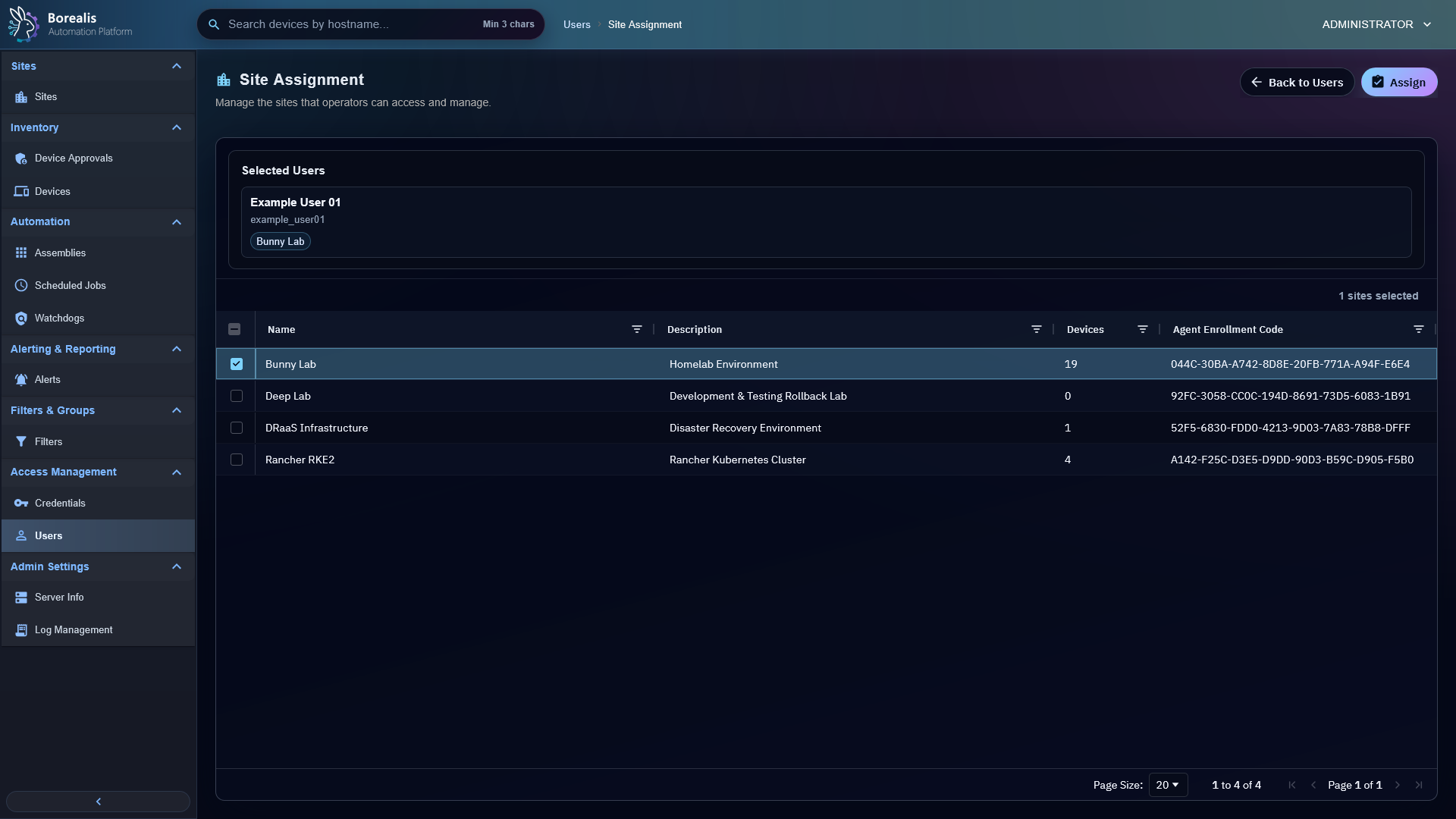
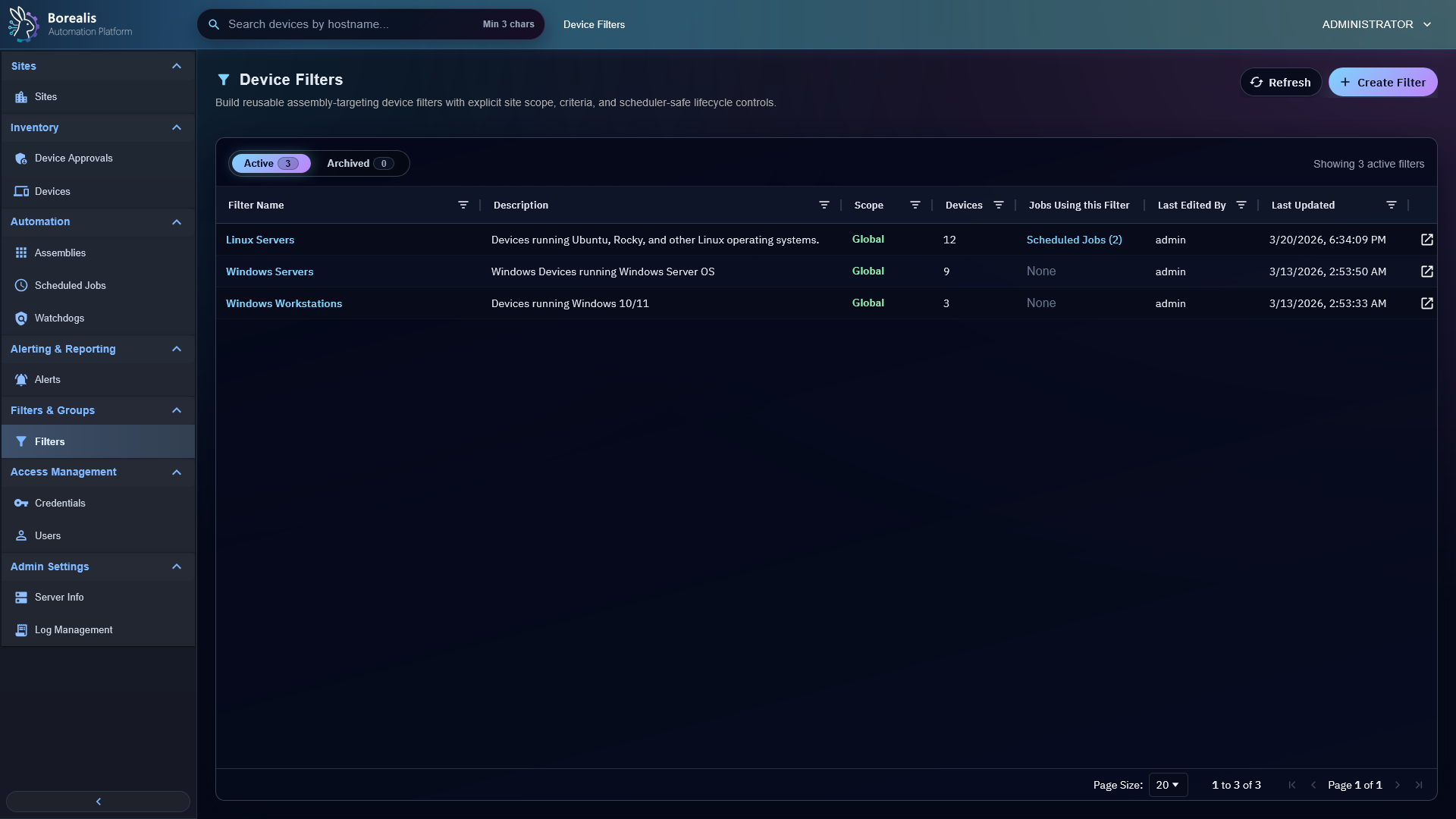
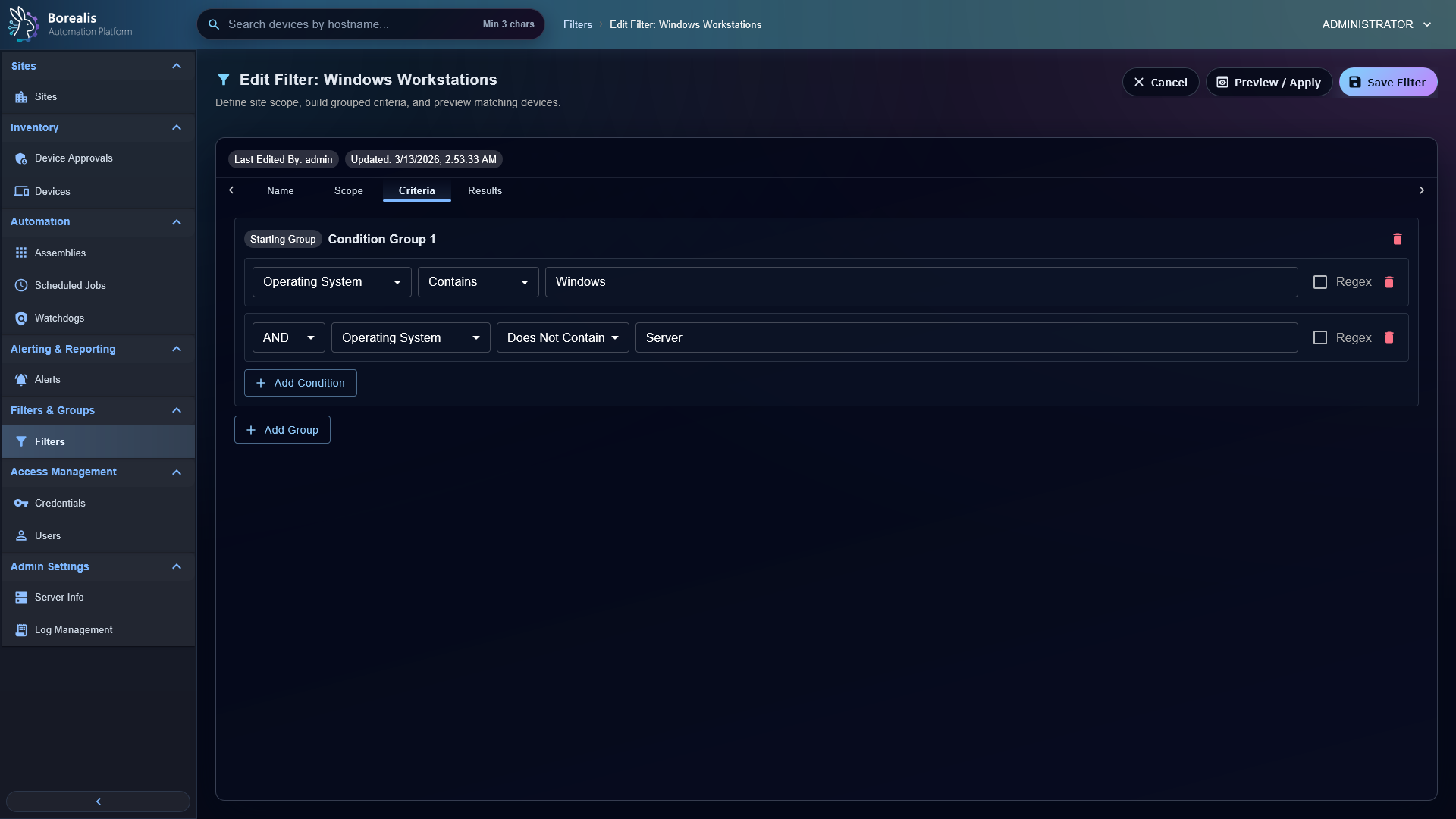
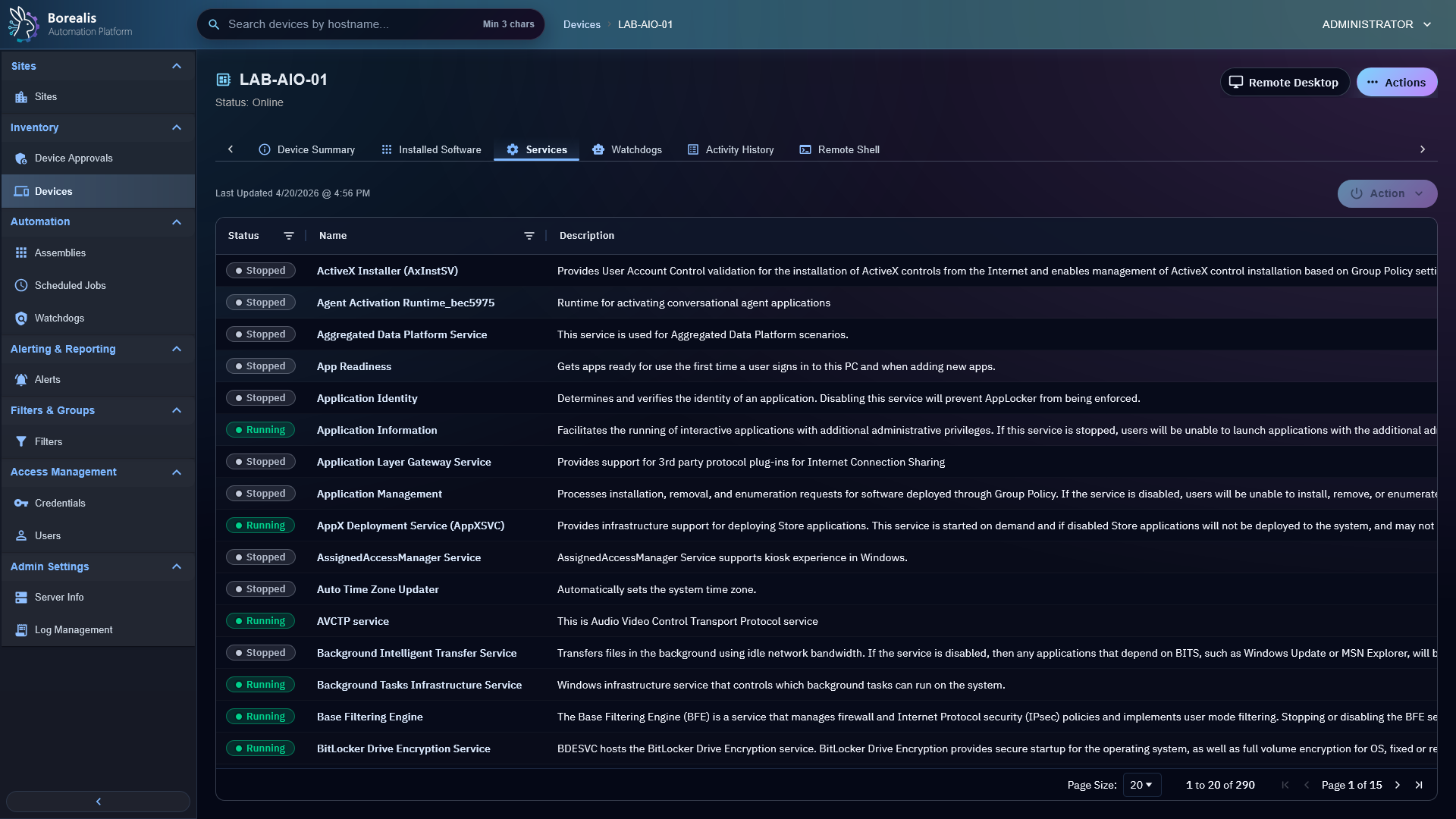
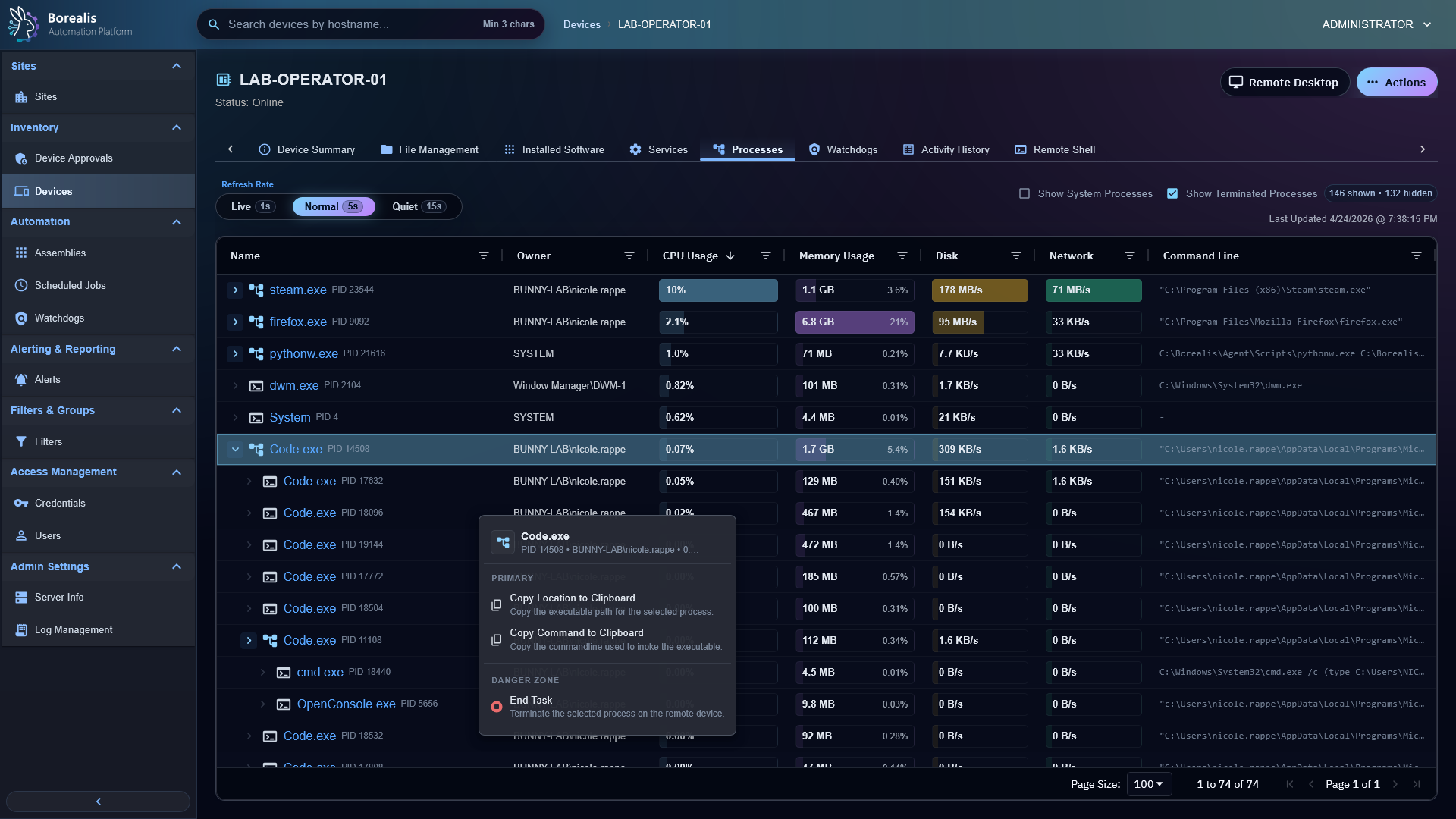
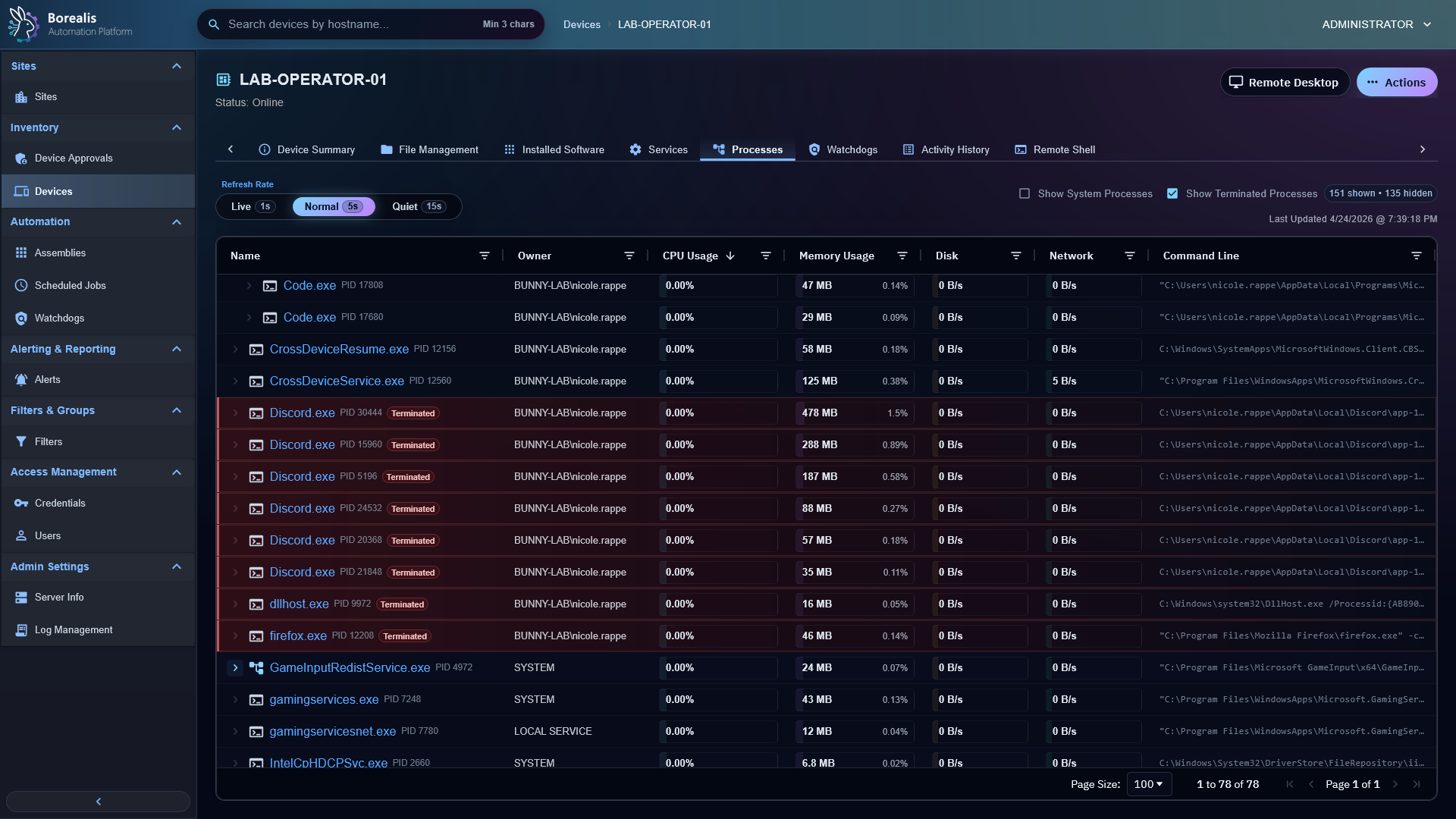
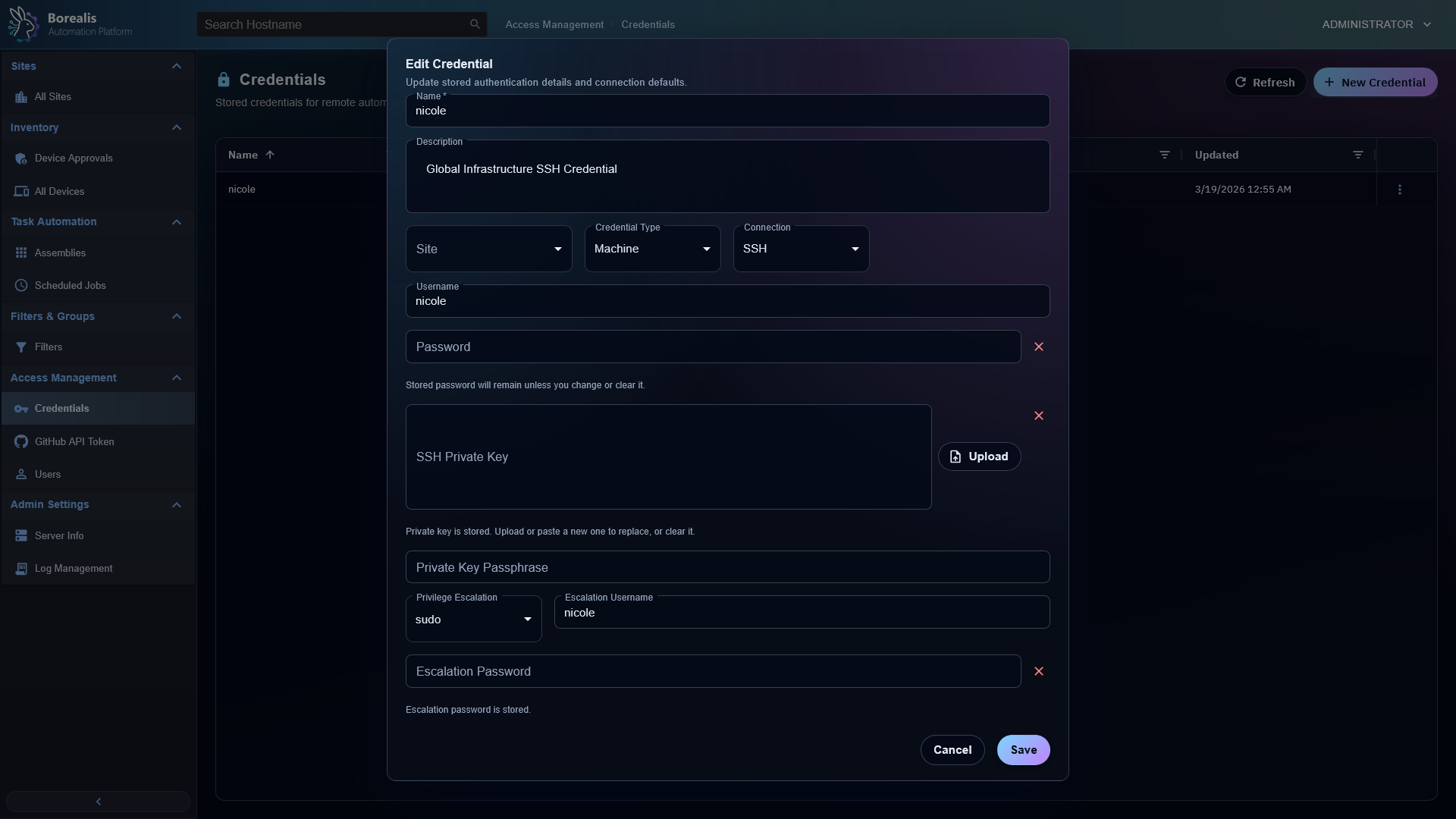
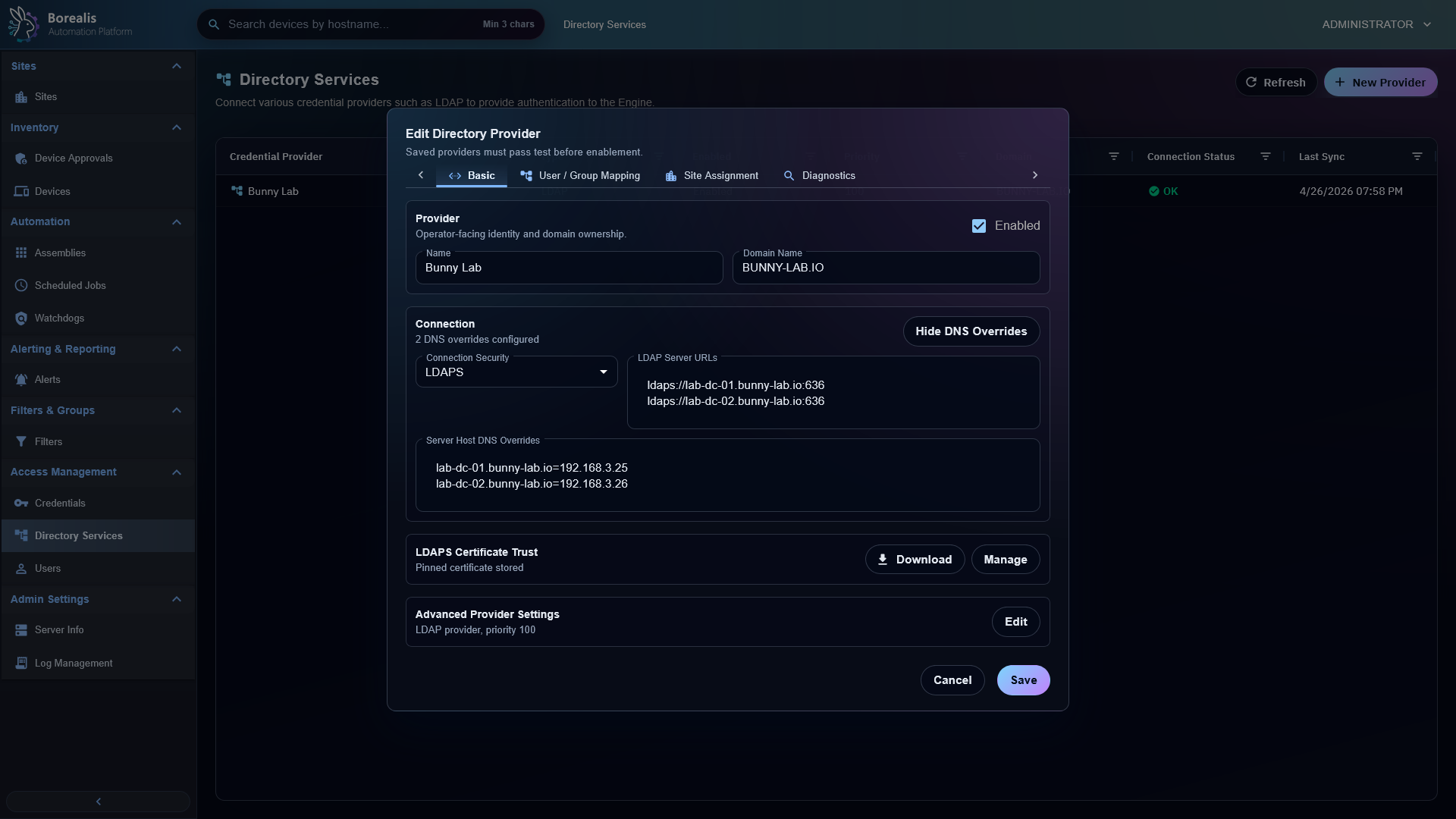
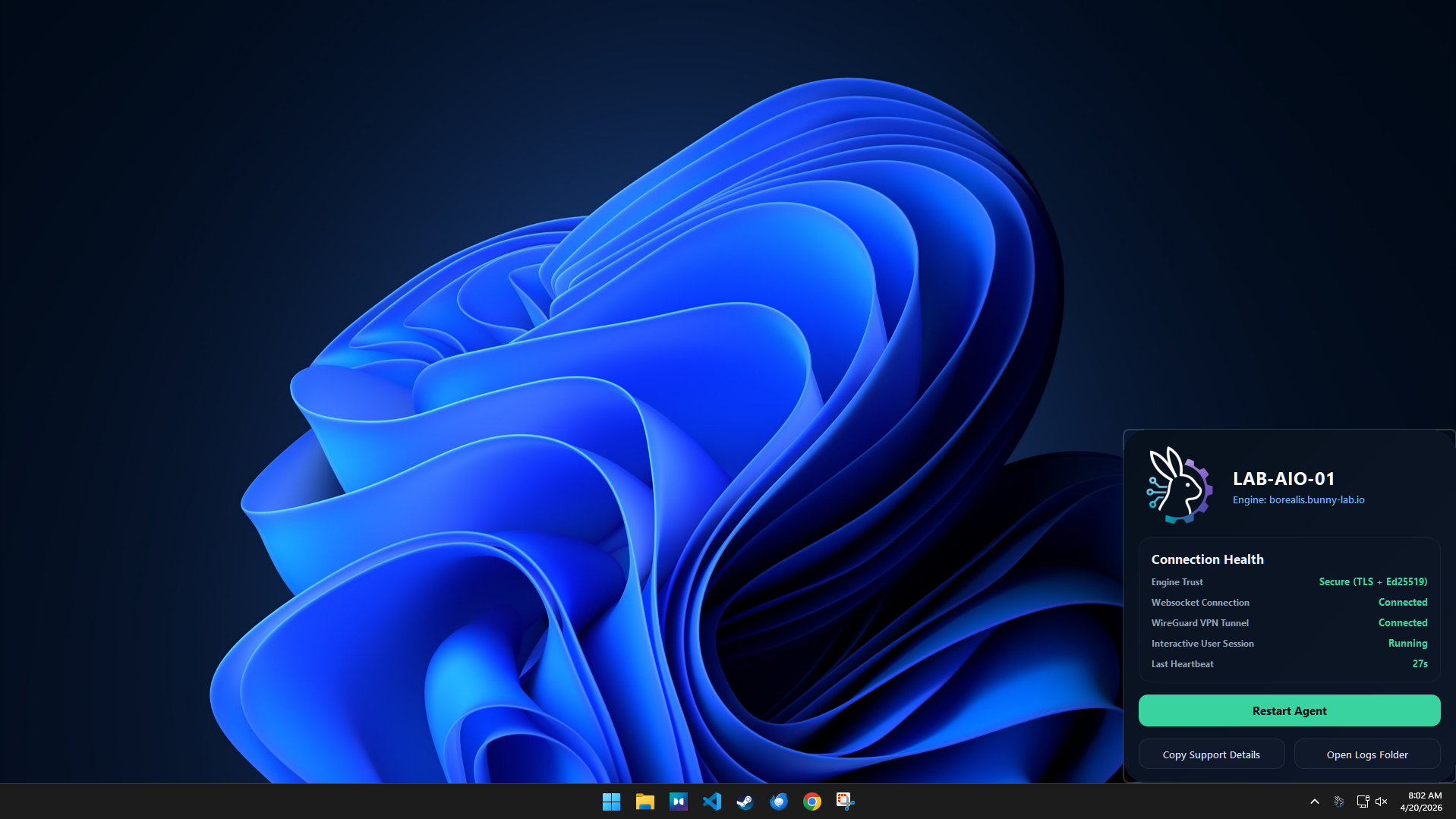
Device Inventory is the primary fleet view, showing managed endpoints, site assignment, status, user, type, and operating system.Device Summary centralizes inventory, remote actions, service state, software data, and device-specific workflows.Agent Health shows startup and role telemetry so operators can see where an endpoint is healthy, pending, skipped, or failed.Device Approval Queue holds enrollment requests until an authorized operator approves or rejects them.Sites group devices for enrollment, operator visibility, targeting, and organization.User site assignment controls which sites non-admin operators can see and manage.Device filters create reusable dynamic target sets for views, jobs, and watchdog policy scope.Device Filter Editor defines criteria and site scope for dynamic endpoint matching.Service inventory shows cached service state and supports service management actions for devices.Process Manager provides task-manager style process inspection, resource columns, and operator actions.Terminated task visibility keeps recent process exits visible after an End Task action or live polling update.
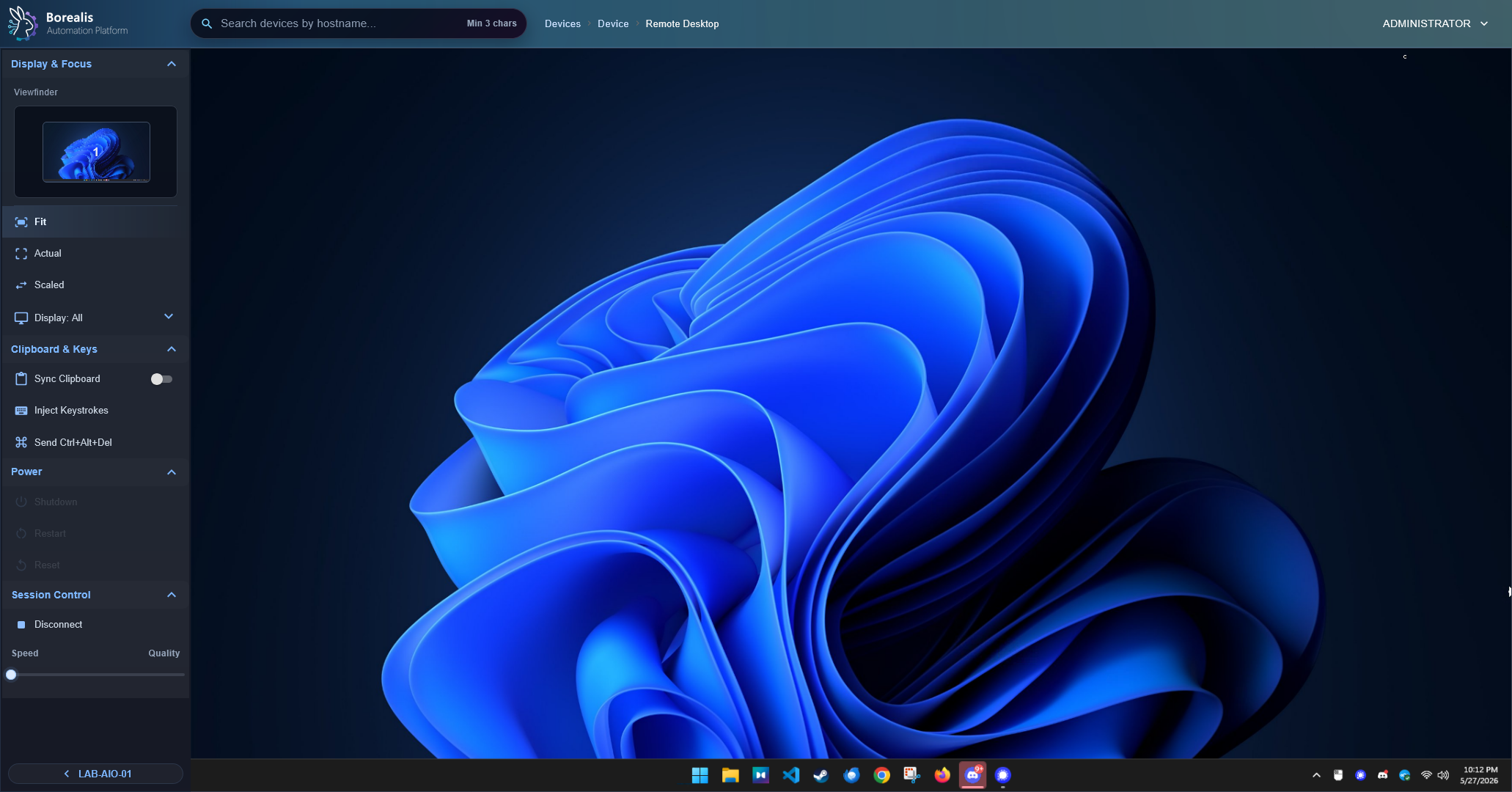
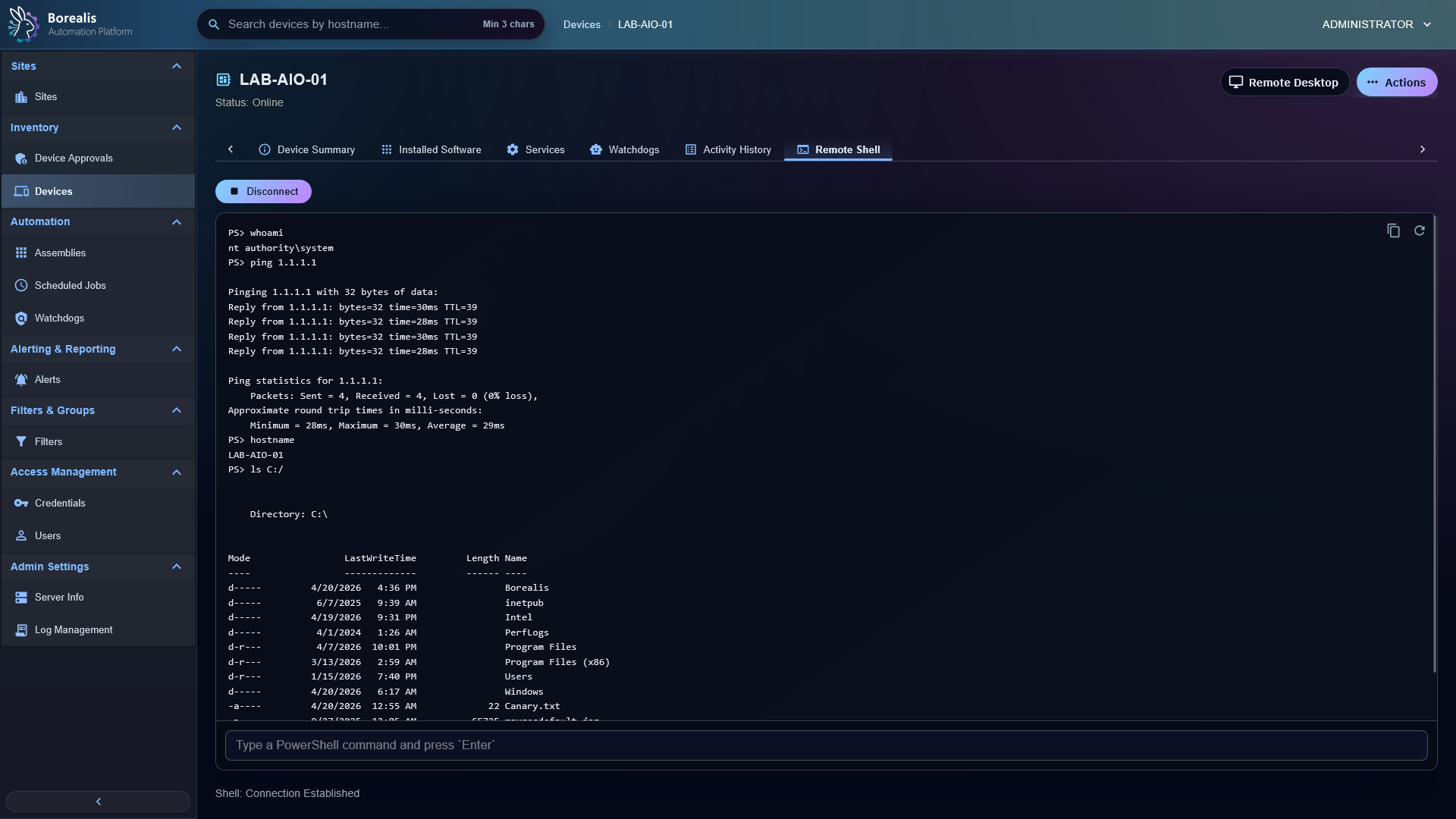
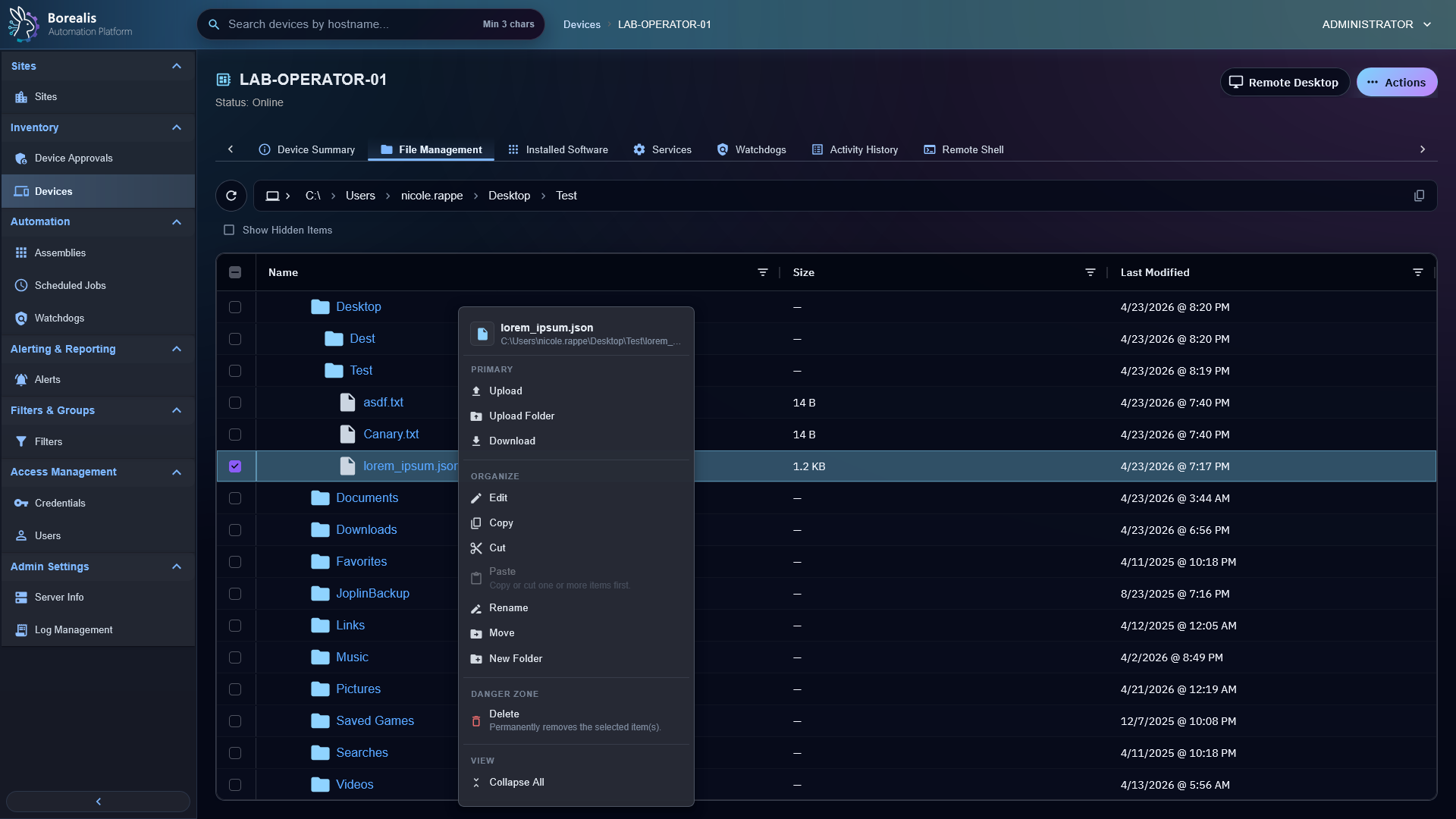
Remote Desktop uses browser VNC through Guacamole over the managed WireGuard tunnel.Remote Shell bridges operator shell sessions to the agent over the same persistent tunnel path.File Management supports remote browse, upload, download, edit, rename, move, and delete workflows.
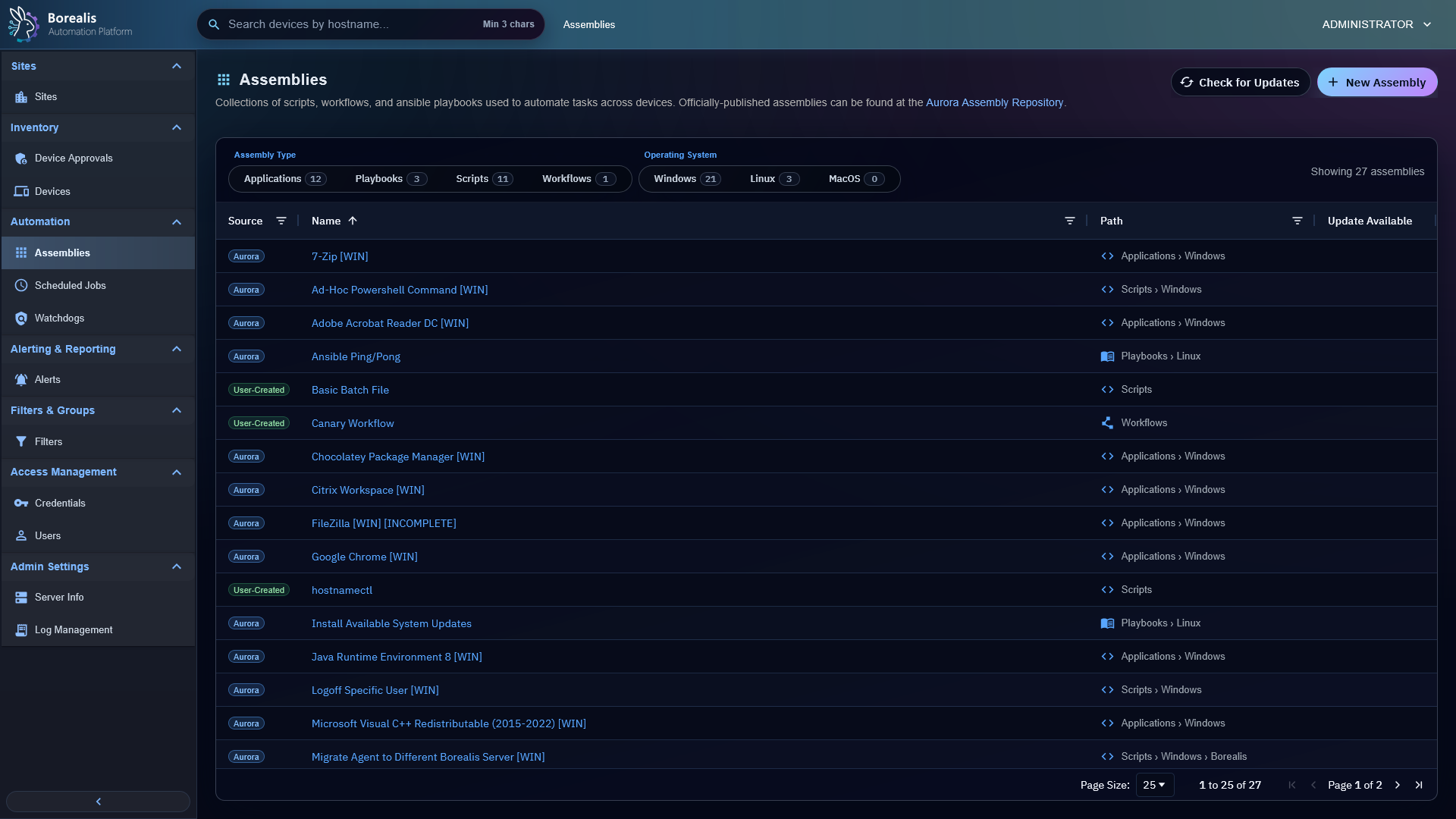
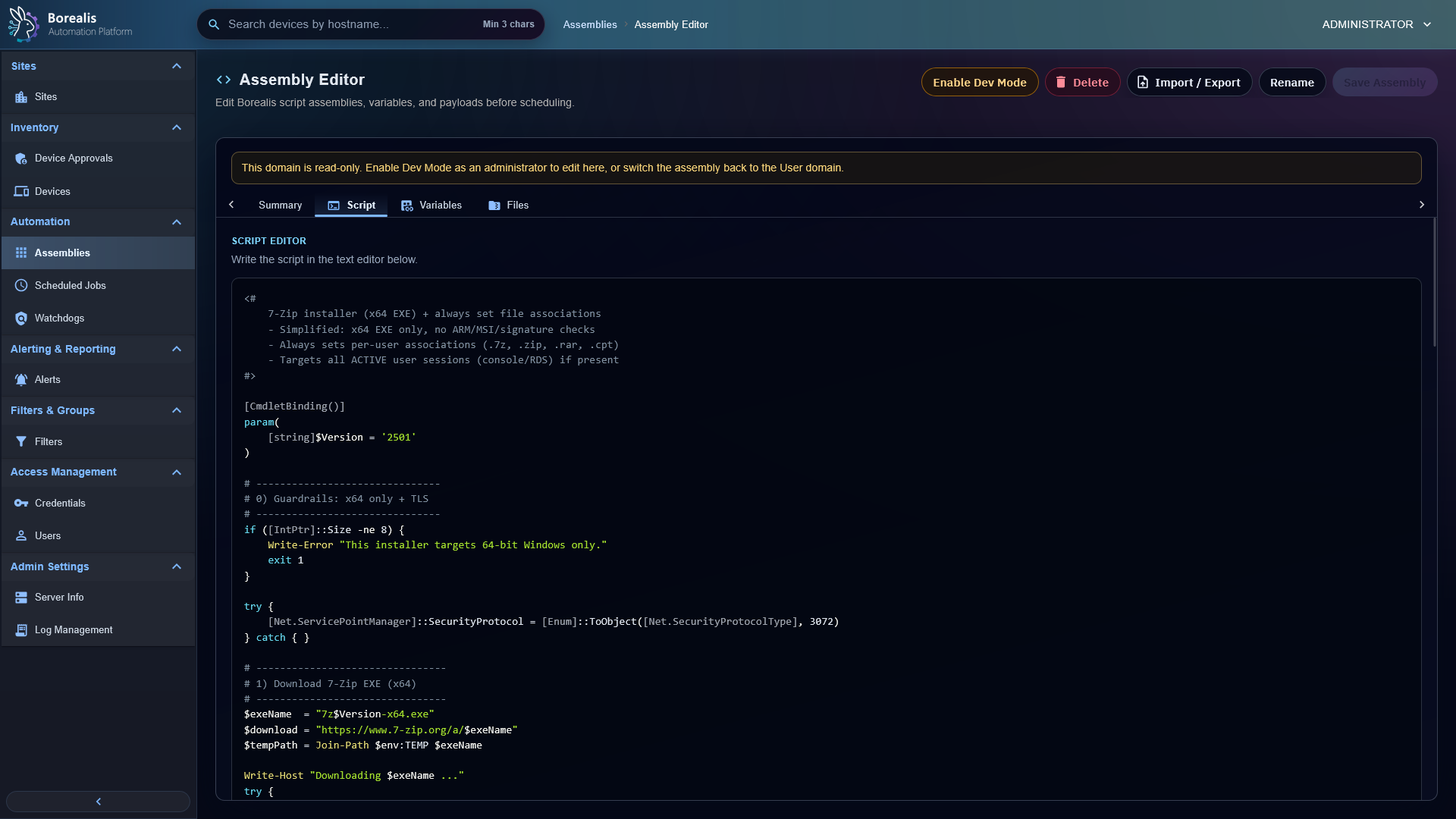
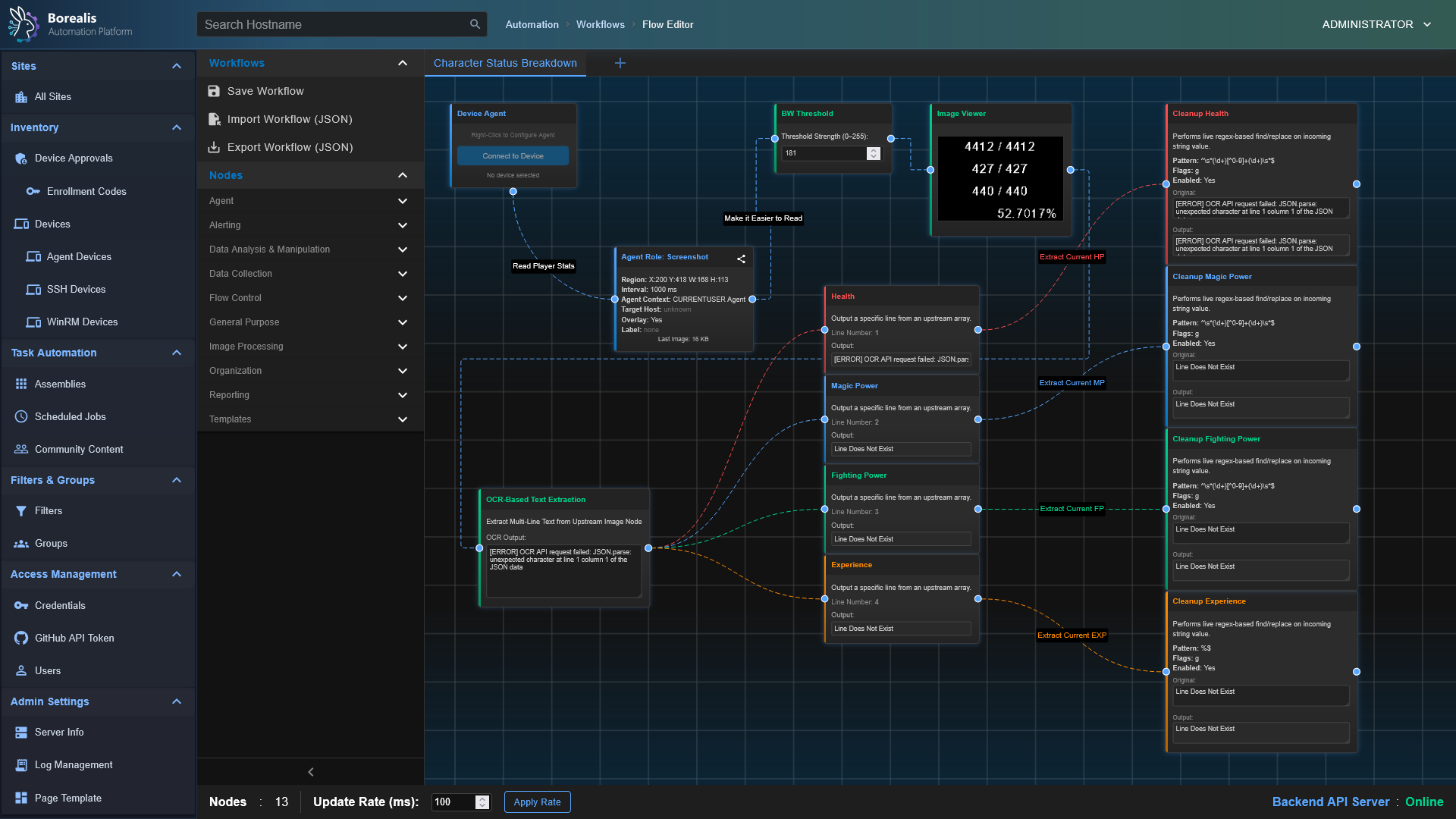
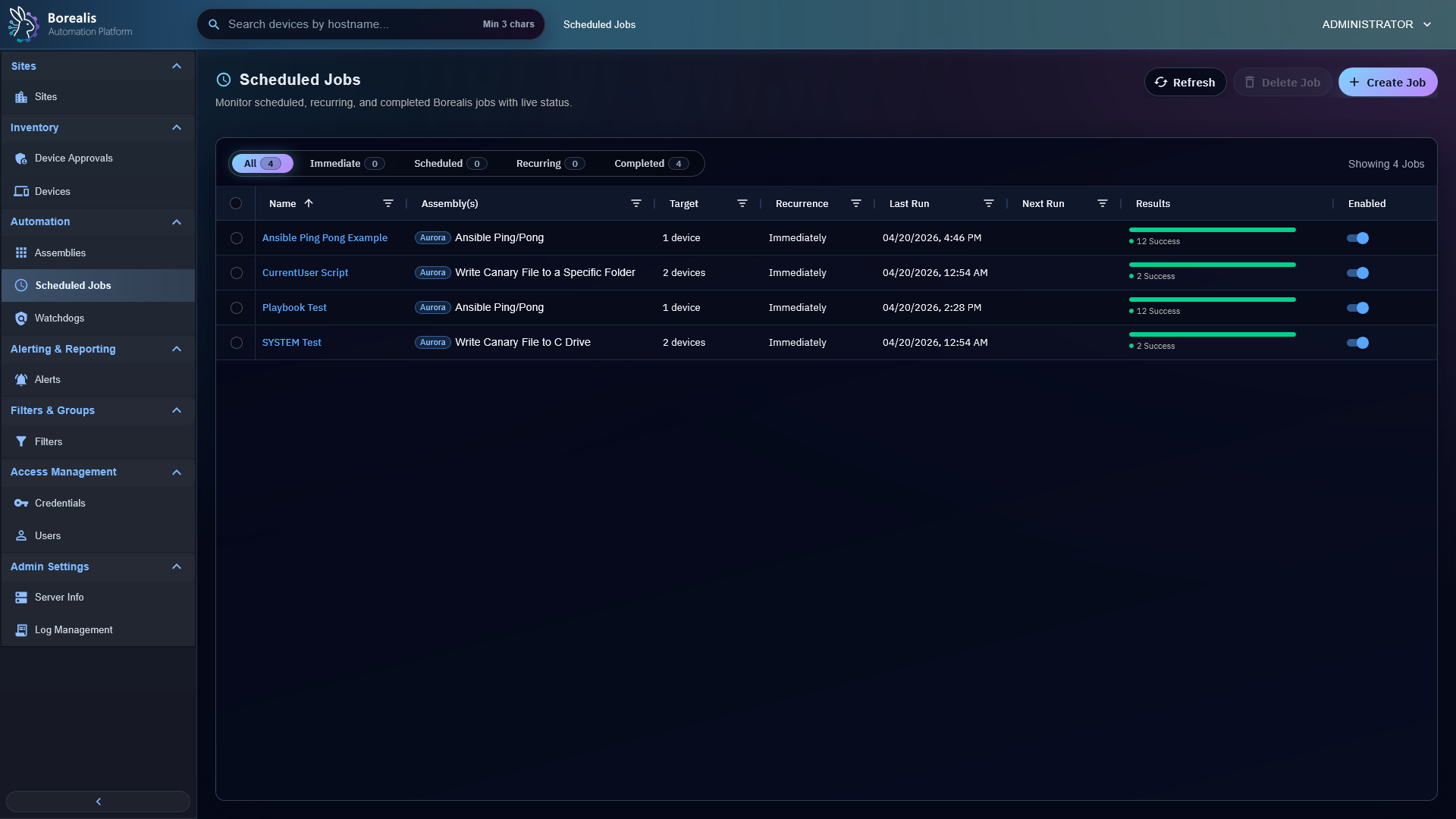
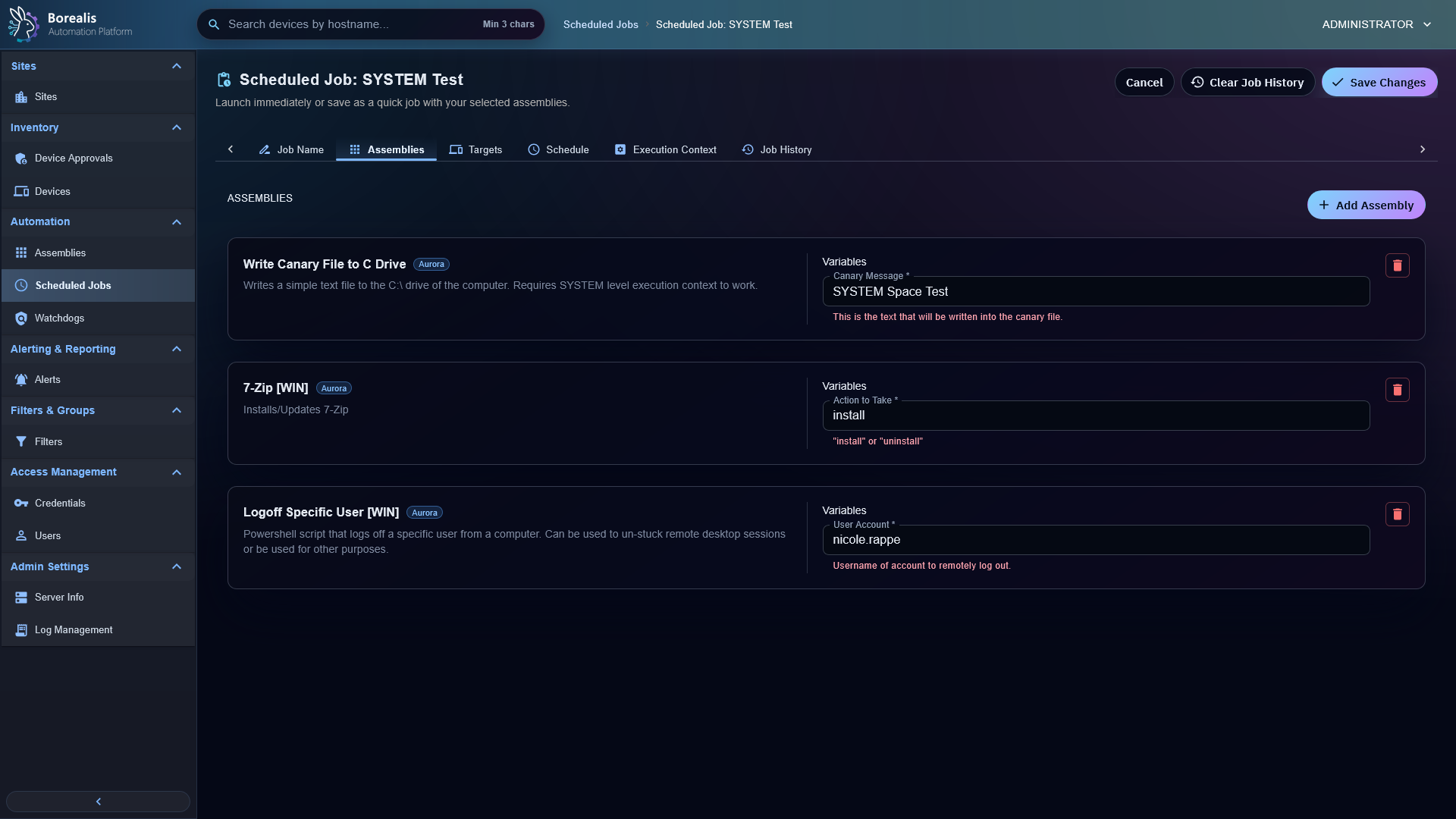
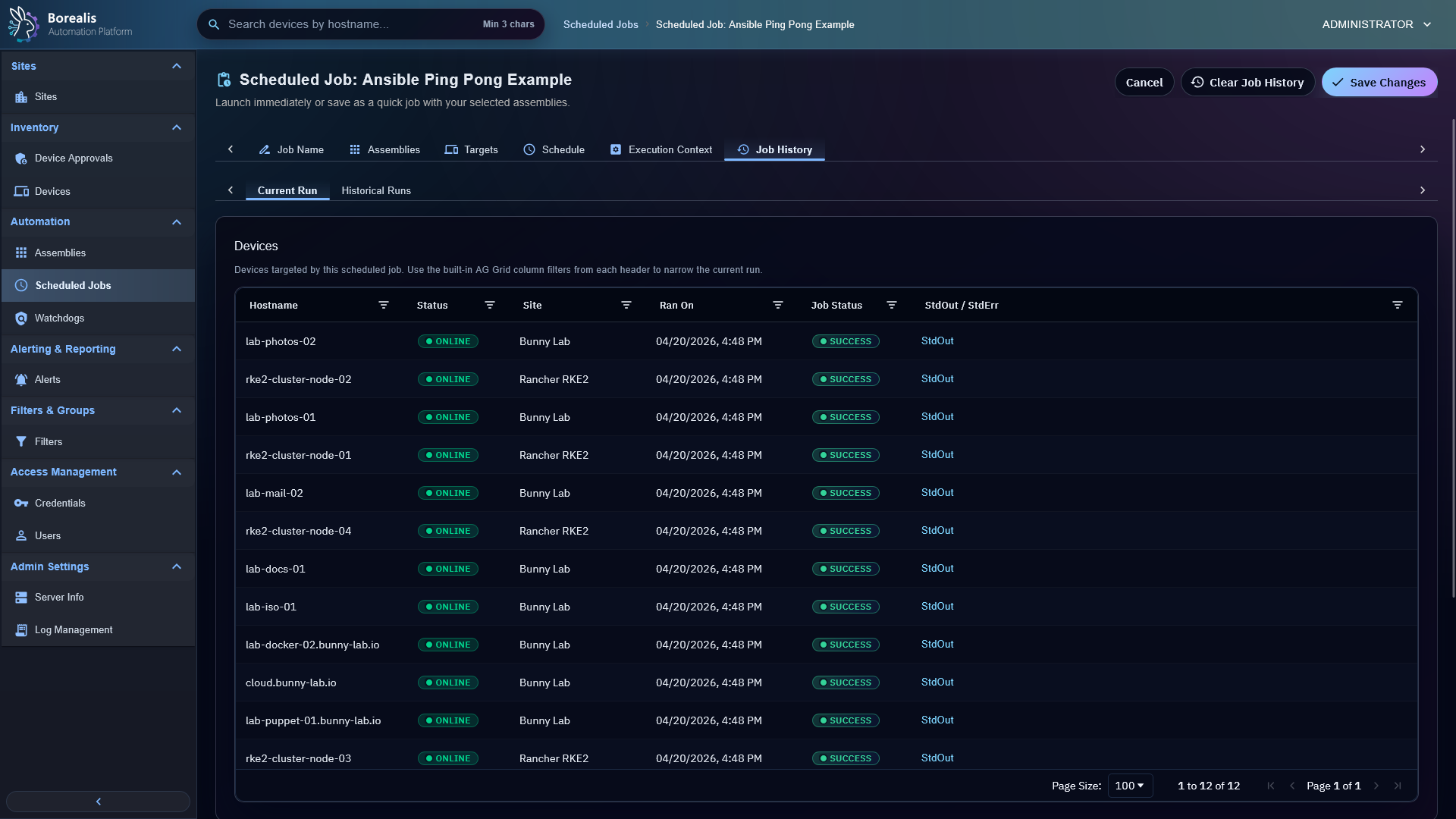
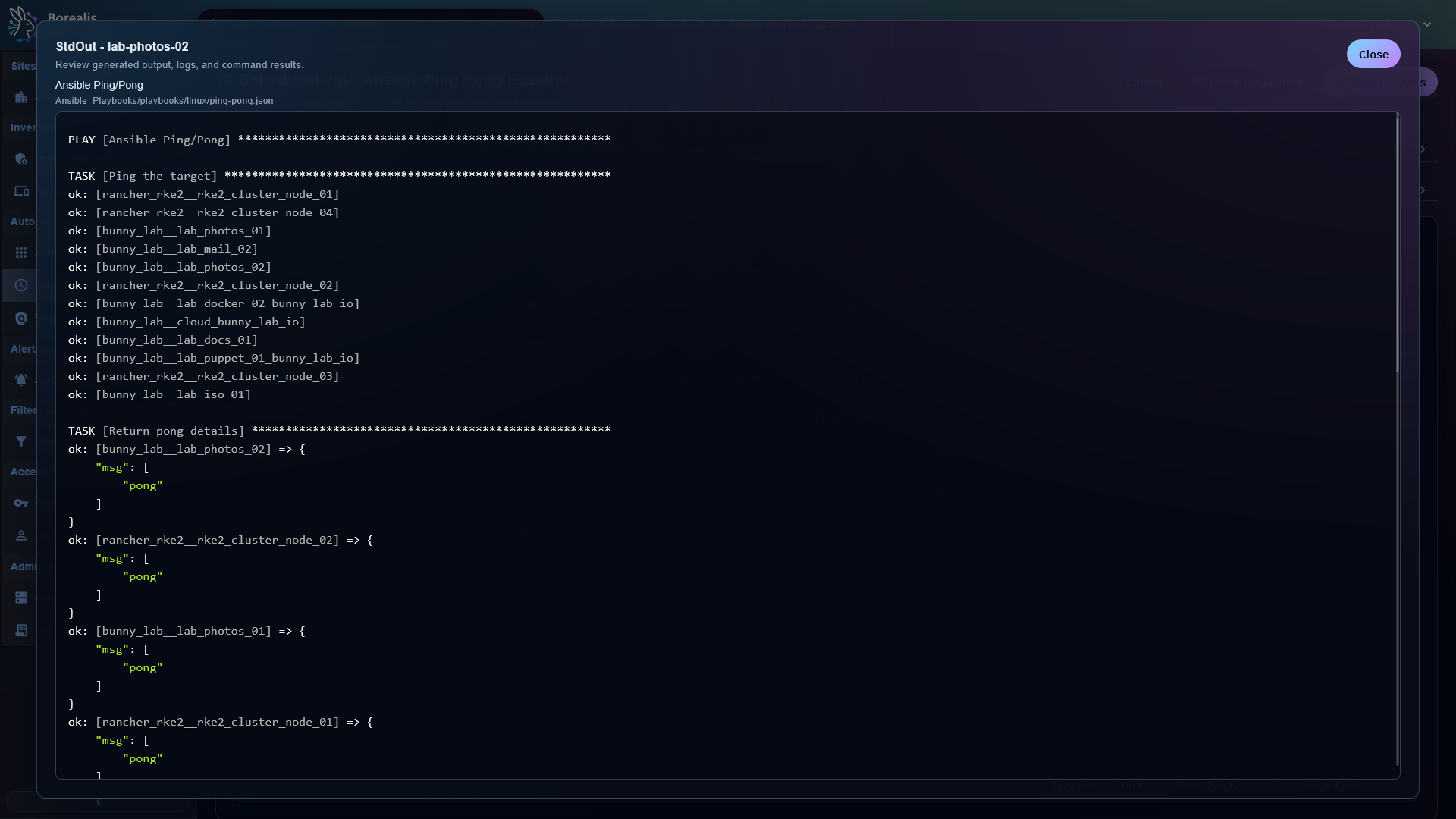
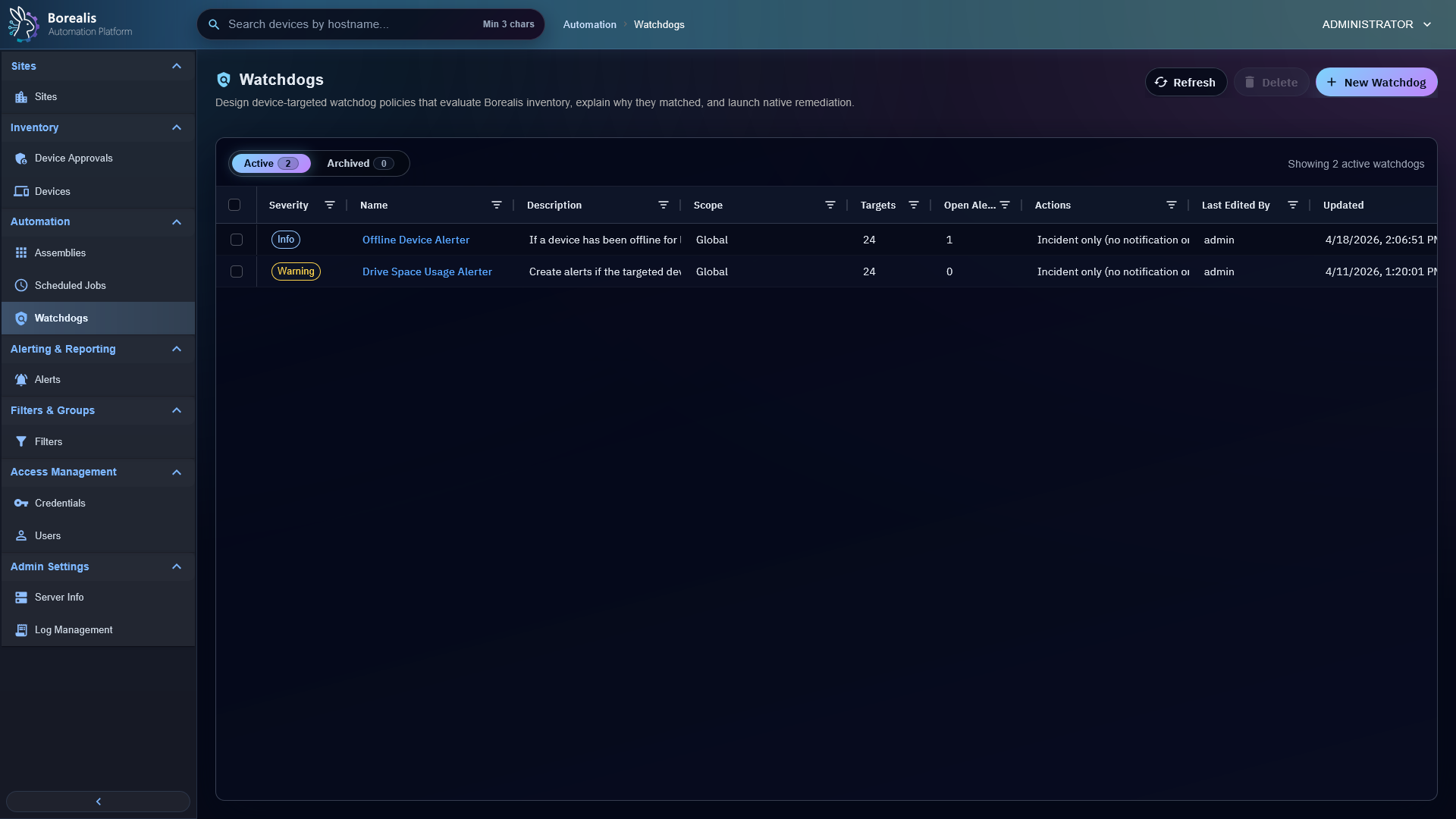
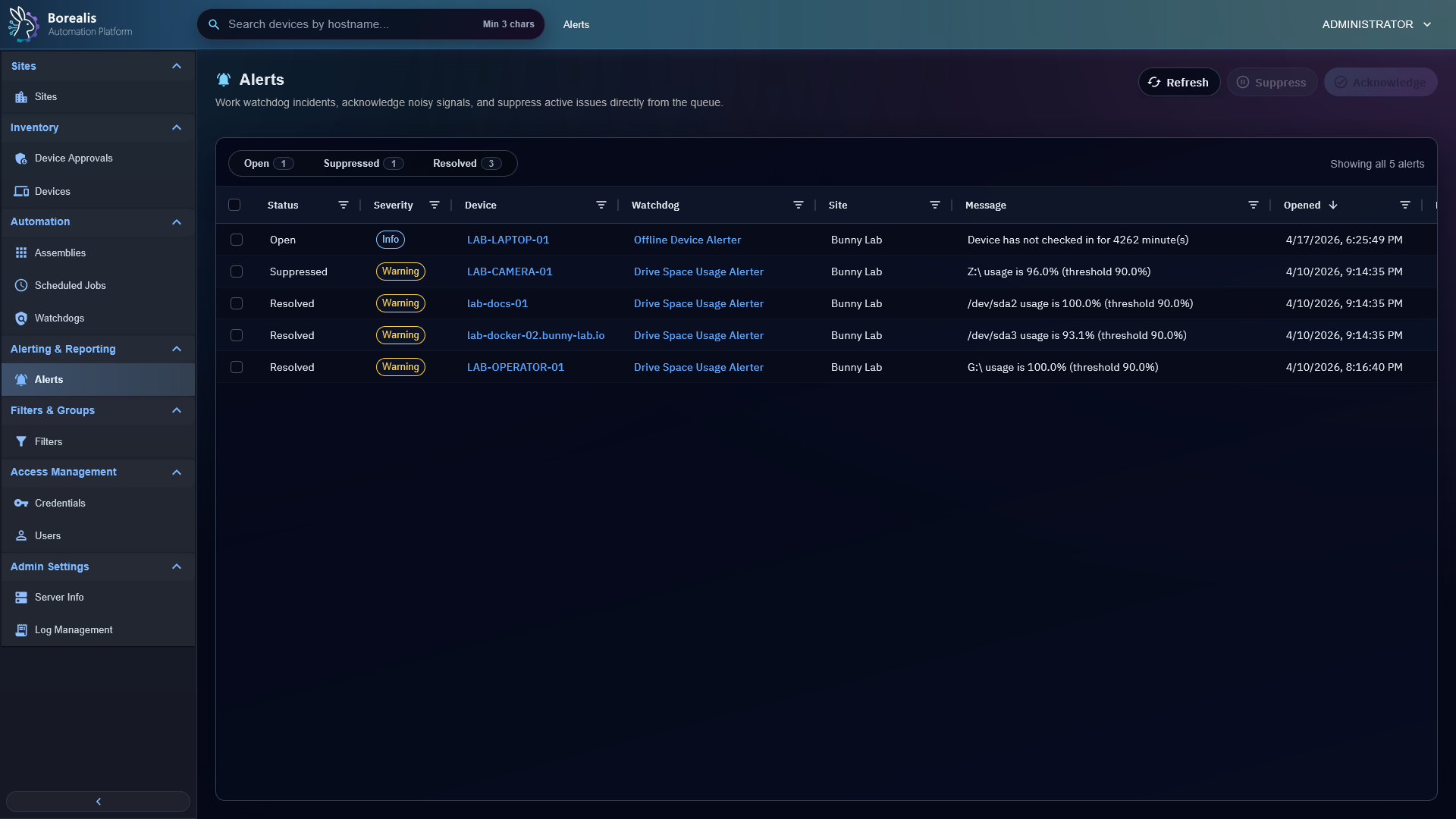
Assembly List is the catalog for script assemblies, playbooks, and workflow-backed automation.Assembly Editor captures reusable automation payloads, metadata, variables, and execution settings.Workflow Editor composes automation through visual nodes, typed ports, and routed connections.Scheduled Job List shows recurring automation, onboarding jobs, status, cadence, and recent results.Scheduled Job Editor binds assemblies to targets, schedules, execution context, and variables.Scheduled Job History preserves run-level and target-level outcomes for troubleshooting.Ansible recaps expose Engine-side playbook execution output and per-target status.Watchdogs define monitoring rules, site scope, target sets, incident policy, and remediation actions.Alerts queue displays open, suppressed, and resolved incidents produced by watchdog evaluation.
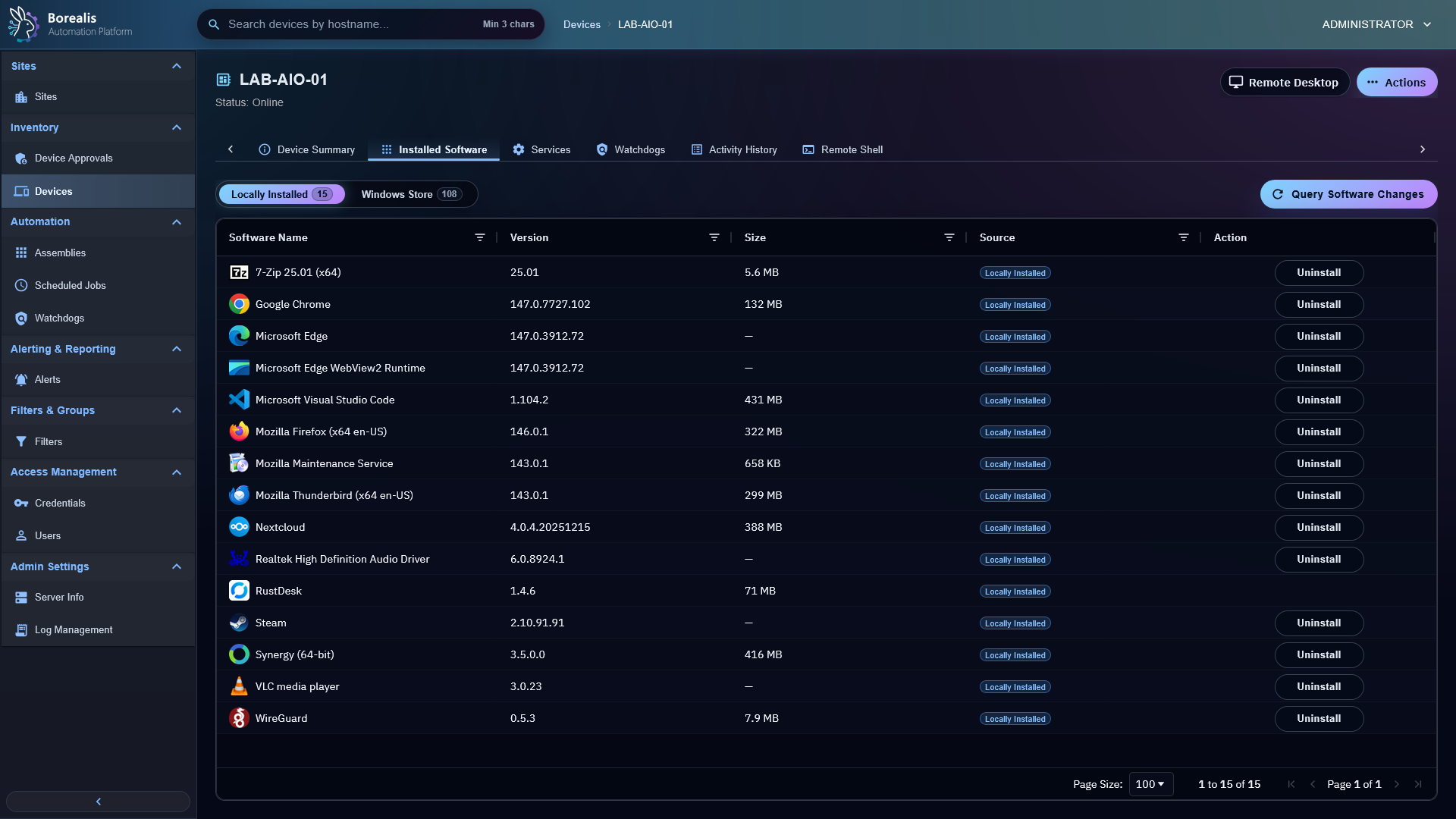
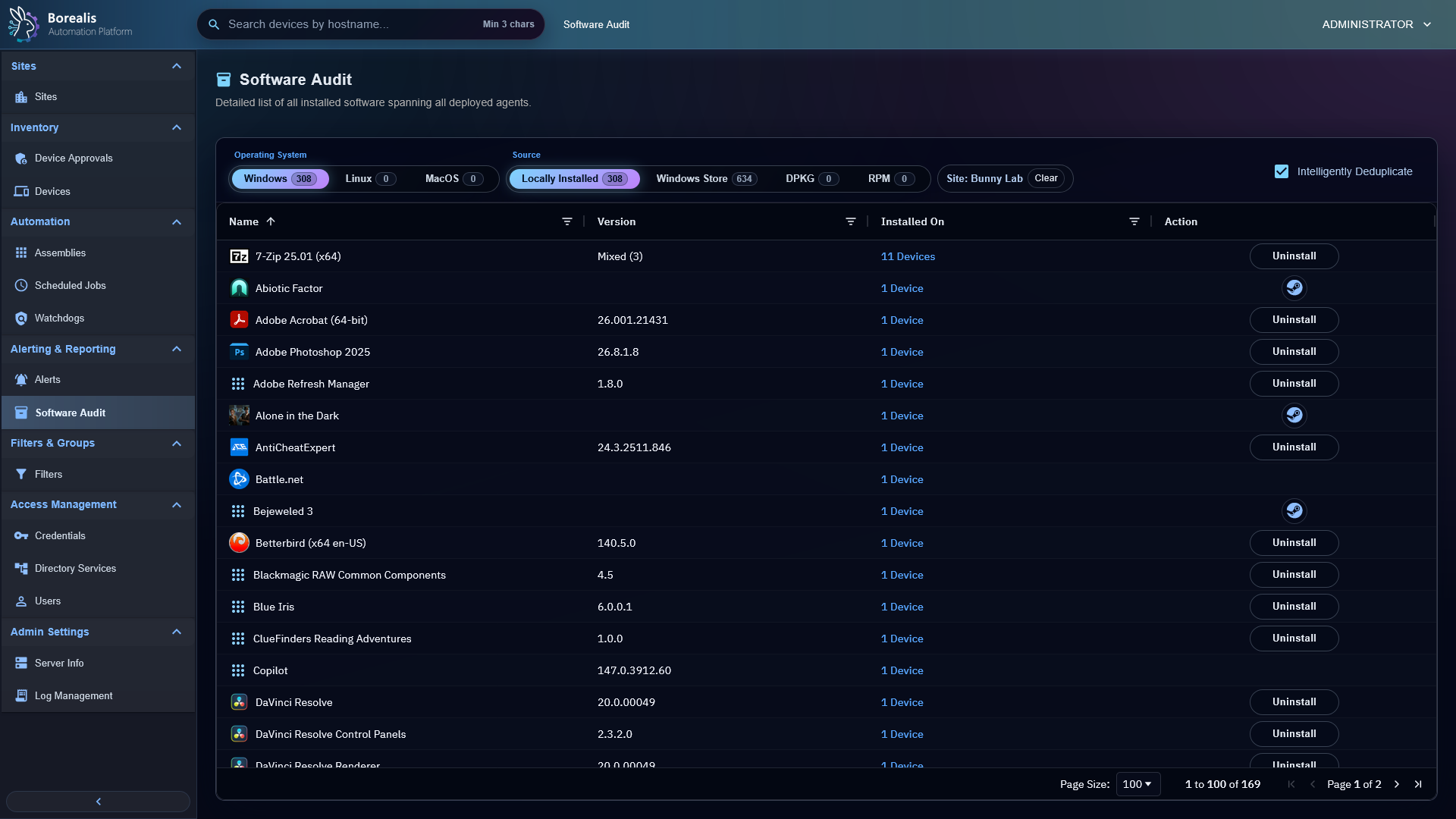
Installed Software shows per-device package state and software actions.Software Audit helps operators compare and review software state across devices.