Watchdogs
Watchdogs are reusable monitoring policies. They evaluate device data, explain matches, open alerts, and optionally trigger remediation.
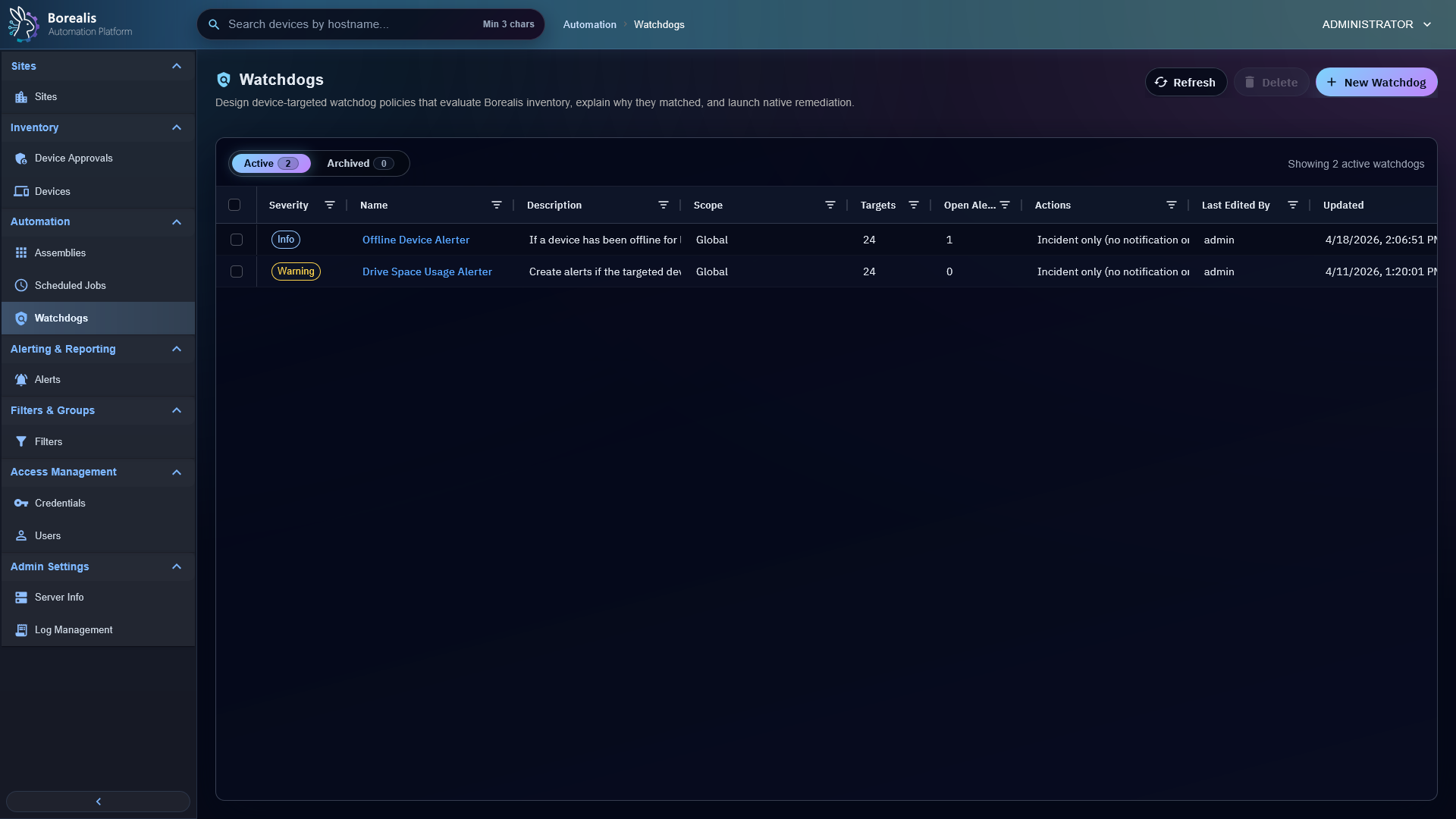
Create Watchdog
- Open
Automation > Watchdogs. - Select
New Watchdog. - Add name, description, and severity.
- Choose scope and targets.
- Add rules.
- Add optional actions.
- Preview current matches.
- Save.
Saved changes become live immediately.
Choose Scope And Targets
Scope controls which sites the watchdog can apply to. Targets choose devices inside that scope:
- All devices in scope.
- Explicit devices.
- Saved device filters.
Build Rules
Watchdog rules can evaluate device offline state, storage usage, service state, agent role health, CPU, memory, uptime, reboot/change detection, sessions, processes, software presence/version, and agent version status. Storage usage checks ignore CD-ROM drives so mounted optical media does not create disk space incidents.
Use all when every condition must match. Use any when one condition should open the incident.
Reduce Noise
Use evaluation interval, cooldown, auto-resolve delay, minimum consecutive matches, and boot grace period. Device-level suppressions mute one watchdog for one device without cloning the policy.
Add Actions
Actions can track incidents only, send Engine toast notifications, control Windows services, or run assemblies as remediation.
Detailed Codex Breakdown
API endpoints
GET /api/watchdogs- list visible watchdogs.GET /api/watchdogs/metadata- editor metadata.POST /api/watchdogs/preview- preview current evaluation.GET /api/watchdogs/<watchdog_id>- get policy.POST /api/watchdogs- create policy.PUT /api/watchdogs/<watchdog_id>- update policy.DELETE /api/watchdogs/<watchdog_id>- delete policy and runtime state.GET /api/devices/<device_id>/watchdogs- device Watchdogs tab payload.POST /api/devices/<device_id>/watchdogs/overrides- device-specific override.
Related documentation
Source map
- API and runtime:
Data/Engine/Containers/api-backend/cmd/api-backend/watchdogs.go - Evaluator/remediation runtime:
Data/Engine/Containers/api-backend/cmd/api-backend/watchdogs_runtime.go - UI:
Data/Engine/Containers/webui-frontend/data/web-interface/src/Automation/Watchdogs/ - Device tab:
Data/Engine/Containers/webui-frontend/data/web-interface/src/Devices/Tabs/Device_Watchdogs.jsx
Runtime behavior
- Go
watchdogRuntimeruns a background evaluator loop. - Saving a watchdog triggers immediate evaluation.
- Runtime data uses
watchdogs,watchdog_sites,watchdog_targets,watchdog_device_overrides,watchdog_device_state, andwatchdog_incidents. - Socket events
watchdog_incidents_changedanddevice_watchdogs_changedrefresh relevant UI surfaces.